Every business from a small store in South Mumbai to a large company runs on numbers. But have you ever wondered how …

If you are new to business or managing accounts in Mumbai, you have probably heard the term ledger quite often. It sounds technical at first, but honestly, once you understand it, everything in accounting starts making sense. Whether you are maintaining books manually or using TallyPrime with GST, the ledger is the backbone of all financial records.
Let’s break this down in a simple, practical way—no heavy jargon, just clear understanding.
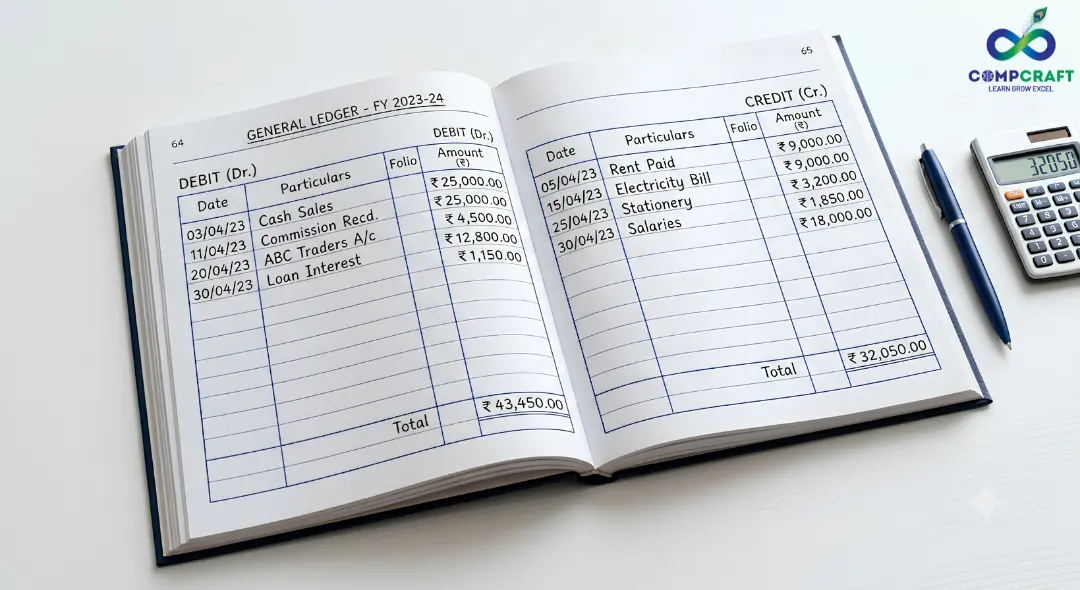
What is a Ledger in Accounting?
Let’s keep it very simple.
A ledger is a book (or digital record) where all transactions related to a specific account are stored in one place.
Think of it like this:
- You have one page for cash
- One page for sales
- One page for expenses
- One page for each customer or supplier
Each page is called a ledger account.
So when someone asks what a ledger in accounting is, the easiest answer is:
It is a place where transactions are organized account-wise instead of date-wise.
Ledger Meaning in Accounting (With Real-Life Example)
Imagine you run a small shop near Mumbai Central.
You:
- Buy goods from a supplier regularly
- Pay him partially every week
Now, if you write everything randomly in a notebook, you will get confused.
Instead, you create one separate page:
“Supplier Account Ramesh”
Now:
- Every purchase → goes into this ledger
- Every payment → also goes into this ledger
At the end of the month, you can instantly see:
- How much do you owe
- How much did you pay
That is the real ledger meaning in accounting—clarity.
Difference Between Journal and Ledger
This is where most beginners get confused: ledger vs journal
Let’s simplify it:
| Journal | Ledger |
| Records transactions in order | Groups transactions account-wise |
| Done first | Done after journal |
| Shows timeline | Shows final balances |
In simple words:
- Journal = what happened
- Ledger = where it belongs
Understanding the difference between a journal and a ledger is important because ledger posting depends on journal entries.
Types of Ledger
In accounting, we mainly deal with two types:
1. General Ledger
The general ledger is the master record.
It includes:
- Assets (Cash, Bank)
- Liabilities
- Income
- Expenses
If someone asks what a general ledger is in accounting, it is simply the complete collection of all accounts.
2. Subsidiary Ledger
Now, imagine you have 100 customers.
Instead of cluttering the main ledger, you create separate records for each.
That is called a subsidiary ledger.
It keeps details clean and manageable.
Ledger Account Format
Traditionally, a ledger looks like a “T” shape.
Basic Structure:
- Left side → Debit (Dr.)
- Right side → Credit (Cr.)
Columns include:
- Date
- Particulars
- Journal Folio (J.F.)
- Amount
This is the standard accounting ledger format used in books.
How Transactions are Recorded in the Ledger
The process is called:
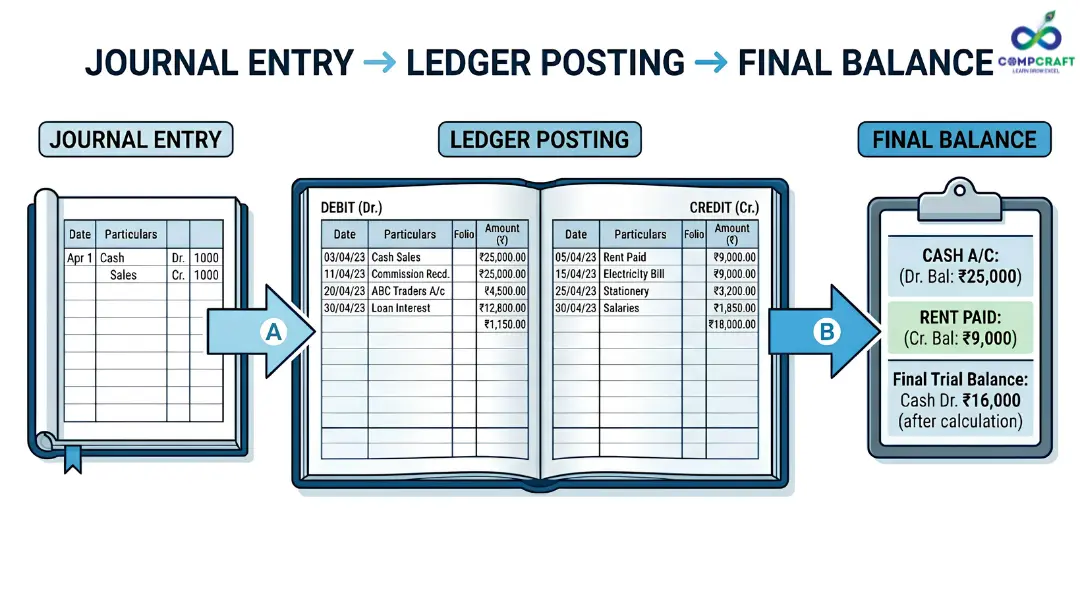
Ledger Posting in Accounting
Let’s understand with an example.
Example:
You start a business with ₹5,00,000.
Journal Entry:
Cash A/c Dr. ₹5,00,000
To Capital A/c ₹5,00,000
Ledger Posting:
- In Cash Account → Debit side: “To Capital A/c”
- In Capital Account → Credit side: “By Cash A/c”
This is how posting journal entries to the ledger works
 .
.
How to Prepare Ledger (Step-by-Step)
If you are doing it manually:
- Collect all journal entries
- Create separate ledger accounts
- Post debit entries using “To”
- Post credit entries using “By”
- Balance accounts at the end
This process helps in:
- Tracking balances
- Preparing final accounts
Moving to Digital: TallyPrime with GST
Now honestly, no one in real business draws T-shapes anymore.
Everything is done using TallyPrime with GST.
The best part?
- You don’t need to manually post entries
- Tally does it automatically
- You just enter the vouchers
Still, you must understand the logic. Otherwise, errors happen.
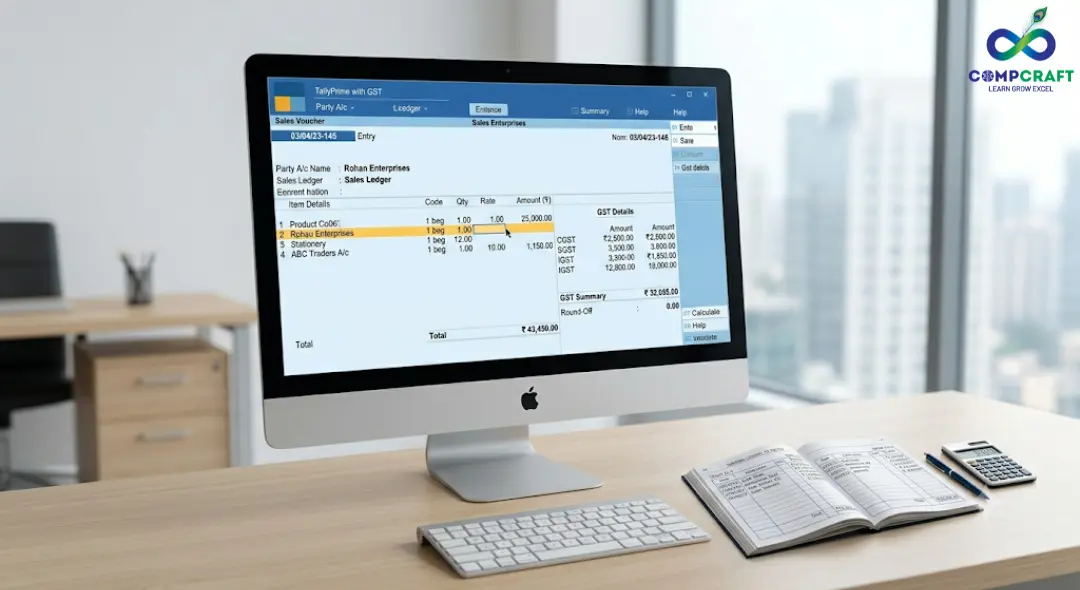
Tally Ledger Creation (Step-by-Step)
Before recording transactions, you must create ledgers.
Steps:
- Go to the Gateway of Tally
- Click on Create → Ledger
- Enter ledger name
- Select the correct group
- Add GST details (if needed)
- Press Ctrl + A to save
This is called tally ledger creation.
Without this, no entry can be recorded.
Ledger Entry in Tally Prime with GST (Example)
Let’s take a simple example:
You sell goods worth ₹10,000 + 18% GST.
Required Ledgers:
- Customer Account
- Sales Account
- CGST Account
- SGST Account
Process:
- Open Sales Voucher (F8)
- Select customer
- Enter item details
- Select GST ledgers
Tally will:
- Calculate tax automatically
- Update all accounts
- Maintain the general ledger
That’s the power of TallyPrime with GST.
Common Mistakes Beginners Make
Even experienced people make mistakes. Watch out for these:
1. Wrong Ledger Group
Selecting the wrong group affects reports completely.
2. GST Not Configured
If GST is missing, the tax won’t calculate.
3. Incorrect Posting
Posting on the wrong side (Dr/Cr) creates an imbalance.
Career Scope and Practical Learning
Understanding ledger is not just theory—it’s a real-world skill.
If you are serious about accounting:
- Join a tally course near me
- Look for a TallyPrime Institute near me
- Enroll in a TallyPrime GST course
For students in Mumbai:
- A tally prime with GST course in Charni Road
- Or a tally training institute near Charni Road
These options give:
- Practical exposure
- Real business scenarios
- Hands-on training
Courses like TallyPrime classes in South Mumbai or a GST accounting course near me can make a big difference.
Final Thoughts
Understanding what a ledger in accounting is like is like learning the foundation of finance.
Once you understand:
- Ledger structure
- Posting logic
- Account grouping
Everything else becomes easier.
Even though tools like TallyPrime with GST automate the work, your understanding is what makes the difference.
If you stay consistent and practice regularly, you can easily manage business accounts with confidence.
And honestly, once you get comfortable with ledgers, accounting stops feeling complicated; it starts feeling logical.
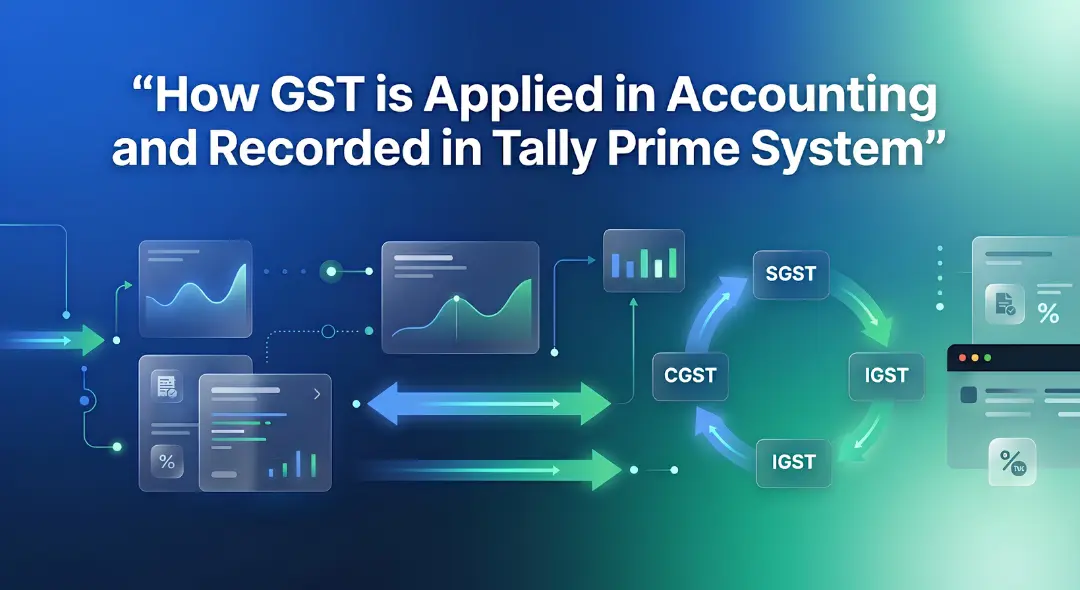
Hey everyone! If you have ever walked into a shop in Mumbai, bought a laptop, or even ordered food online, you have …
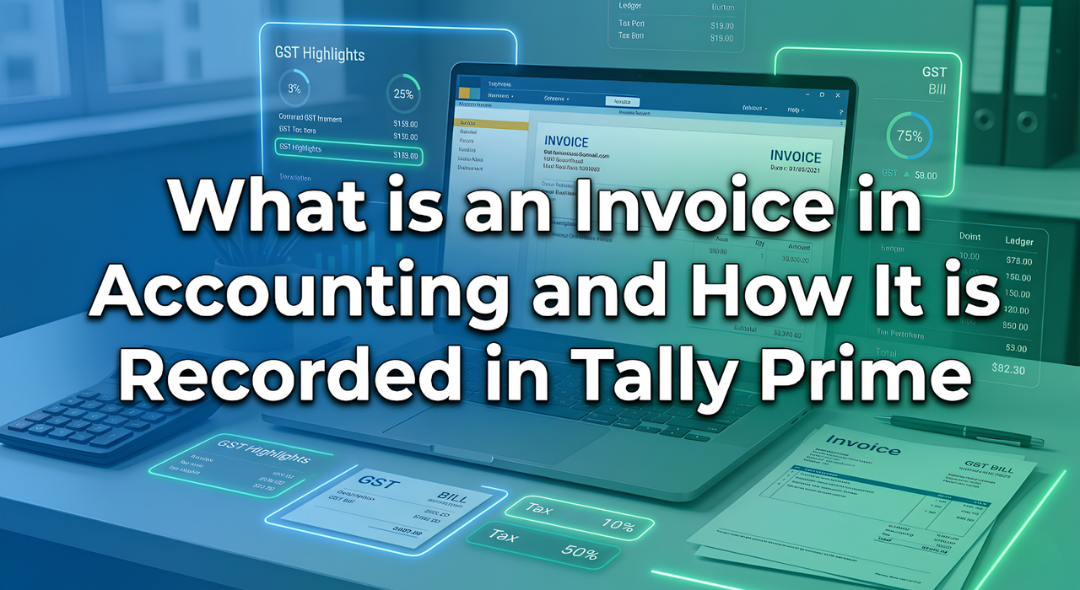
Introduction Have you ever bought a smartphone from an electronics shop and received a printed paper showing the amount you paid along …

Introduction: The Hidden World Behind Your Screen If you pick up your phone right now, what is the first app you will …

Every morning most of us in Mumbai wake up and instinctively reach for our phones. We check WhatsApp scroll through train updates …

Every week at our center I get the exact same question from students. They walk in look at the course list and …

Have you ever wondered what happens behind the scenes of your apps like Instagram, Spotify, or Netflix? Every time you scroll through …
If you want to get into the data analytics field or if you want to improve your skills you probably have a …
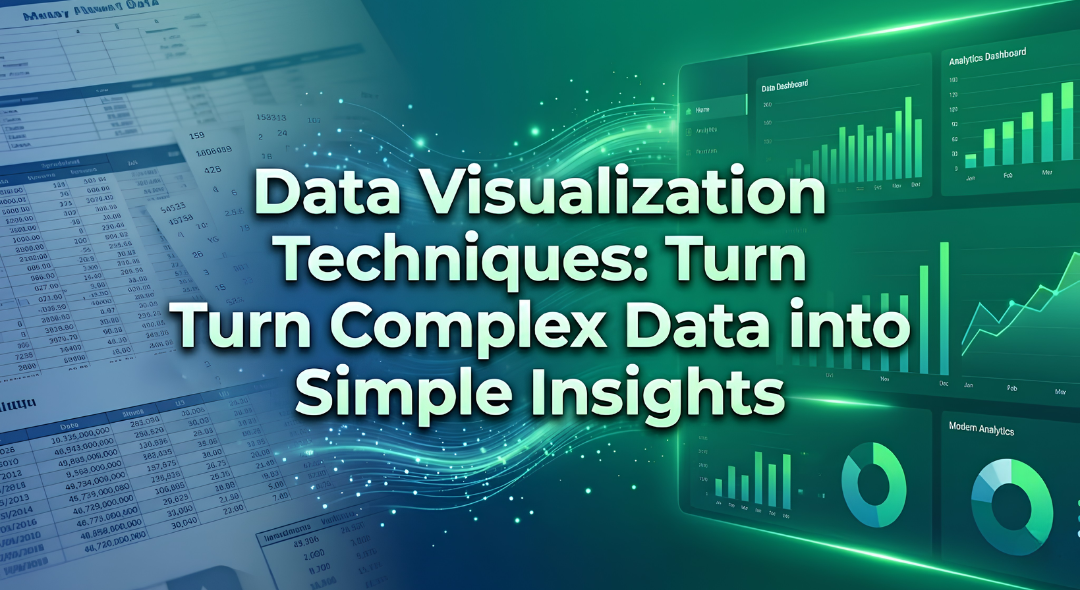
Imagine you are sitting in a boardroom or staring at a laptop screen looking at a spreadsheet with 10,000 rows of raw …

If you have spent any time on Instagram, LinkedIn or any other new platform that has come up, you have probably noticed …
Think about the last time you asked someone for directions and ended up completely lost. It wasn’t because they didn’t know the …

Have you ever wondered why your phone can instantly unlock by looking at your face while a traditional computer program still struggles …

Imagine you want to hire a chef for your fancy restaurant.. Instead of hiring someone who already knows how to cook you …

The interview is going well until the hiring manager slides a laptop across the mahogany desk. “Here is a raw export of …
Have you ever spent three hours building a report only for it to completely break because you inserted a single new column?. …
A Pivot Table in Excel is a tool to analyze data. It is 5:30 PM on a Friday. Your manager comes to …

Imagine you have just opened a high-end boutique in the bustling lanes of South Mumbai. You have the inventory, and the decor …

Have you ever been sitting at a cafe near Marine Lines chatting with a friend about needing a new laptop only to …

Data is everywhere. Numbers and columns do not tell a story on their own. If you have ever tried to share a …