Is Data Science Hard to Learn? If you’ve ever searched “is data science hard,” you already know the internet isn’t much help. …
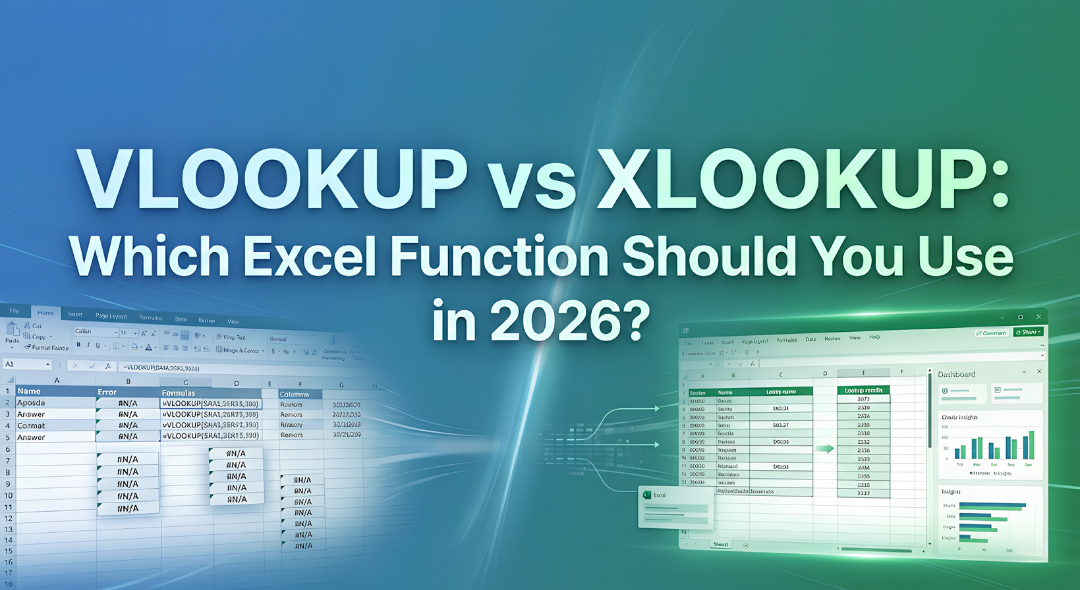
Have you ever spent three hours building a report only for it to completely break because you inserted a single new column?. Perhaps you have stared at a screen full of errors feeling like you are searching for a needle in a haystack of ten thousand rows?
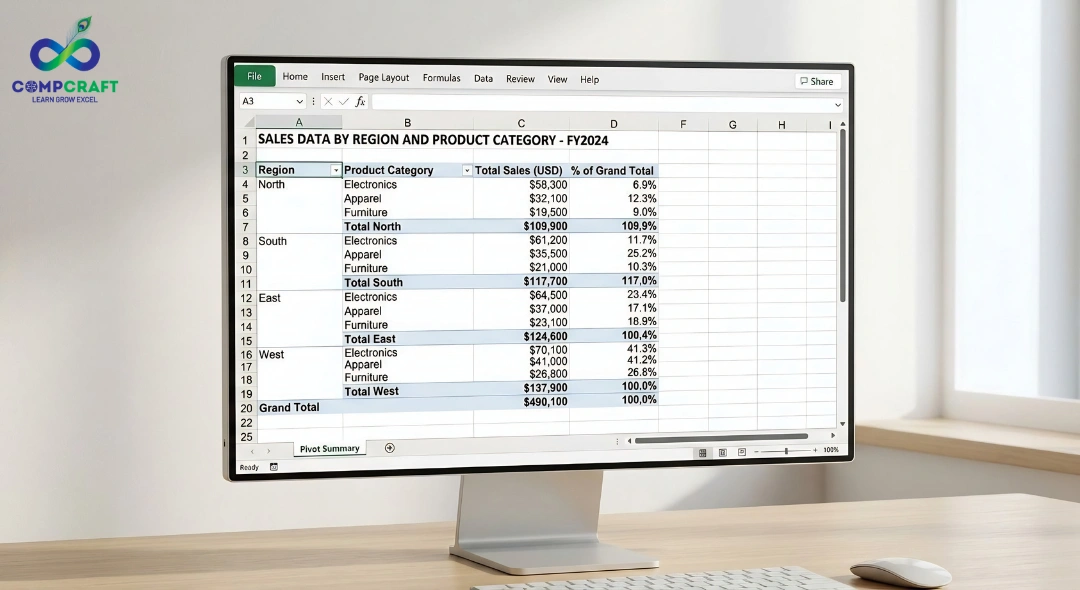
If you have been in the world you know that Excel is not just about cells and numbers it is about survival. For decades the VLOOKUP function was the test for anyone claiming to know Advanced Excel. If you knew it you were a professional. If you did not you were a beginner. (VLOOKUP vs XLOOKUP)
We are in 2026. The world has moved on.
Microsoft introduced XLOOKUP. It has fund
amentally changed how we handle data analysis, especially when combined with tools like Pivot Table in Excel: How to Analyze Data Like a Professional in Minutes.
If you are looking to level up your career or searching for an Excel course for a job in Mumbai, understanding this shift is the difference between working until 9:00 PM and leaving the office on time.
1. The Old Guard: Why VLOOKUP Ruled for Decades
VLOOKUP, which stands for Vertical Lookup, is essentially a version of a phone book. You have a key, like a name. You want to find a value, like a phone number, from a specific column.
How it Works
Imagine you have a sales sheet at an office near Charni Road, Mumbai. You have a list of Product IDs in Column A and Prices in Column C.
You tell Excel: Look for Product ID ‘X’ in this range.
You tell it: When you find it, count over to the column.
You tell it: Bring back whatever is in that box.
The Hidden Costs of VLOOKUP
While reliable VLOOKUP has flaws that have caused countless headaches for professionals:
- The Right-Side Restriction: VLOOKUP can only look to the right. If your ID is in Column B and you need data from Column A, you have to cut and paste your columns. It is inefficient and risks breaking data links.
- Column Index Fragility: You have to provide a number, like 4, for the column you want. If a colleague inserts a column in the middle of your table, your VLOOKUP is still looking at Column 4, which is now the wrong data.
- The Default Match Trap: VLOOKUP defaults to a match. If you forget to type FALSE or 0 at the end, Excel might give you the price for the product simply because the ID was close enough.
2. The Challenger: Is XLOOKUP Really the VLOOKUP Killer?
XLOOKUP was designed to address every single complaint users had about the way things were. It is not a tweak, it is a total redesign. In any Advanced Excel course, XLOOKUP is now taught as the primary tool for data reconciliation.
Why XLOOKUP is Superior
- Directional Freedom: It does not care where your columns are. Left, right, up, or down, it finds the data regardless of the layout.
- Bulletproof Stability: When using a column number, you select the specific Return Array. If you add or delete 50 columns in your sheet, XLOOKUP stays locked onto the data range.
- Integrated Error Handling: Normally, if a value is not found, Excel gives you an error. With XLOOKUP, there is a built-in if_not_found section where you can tell it to say Missing Info or Call Supplier
3. Side by Side: The Technical Breakdown
For those pursuing Advanced Excel classes, here is a comparison that explains why the industry is shifting:
Feature VLOOKUP (Legacy) XLOOKUP (Modern)
Lookup Direction Only Right, Both Left. Right
Search Mode Default: Approximate Default: Exact Match (Safer)
Speed Slower on large datasets, High performance engine
Horizontal Lookups No (requires HLOOKUP) Yes (replaces HLOOKUP too)
Insert/Delete Columns Breaks the formula. The formula adjusts automatically
Complex Logic Needs Helper Columns Handles Nested Lookups
4. Real World Business Scenarios
Let us apply this to tasks you would perform after finishing a basic to Advanced Excel course near you.
Scenario A: The Massive Payroll Audit
Imagine you are working for a firm near Churchgate station. You have 5,000 employees. The Payroll ID is in the column of your sheet, but you need to pull the Joining Date from the very first column.
VLOOKUP Method
You have to move the Payroll ID column to the front, potentially breaking 10 linked sheets.
XLOOKUP Method
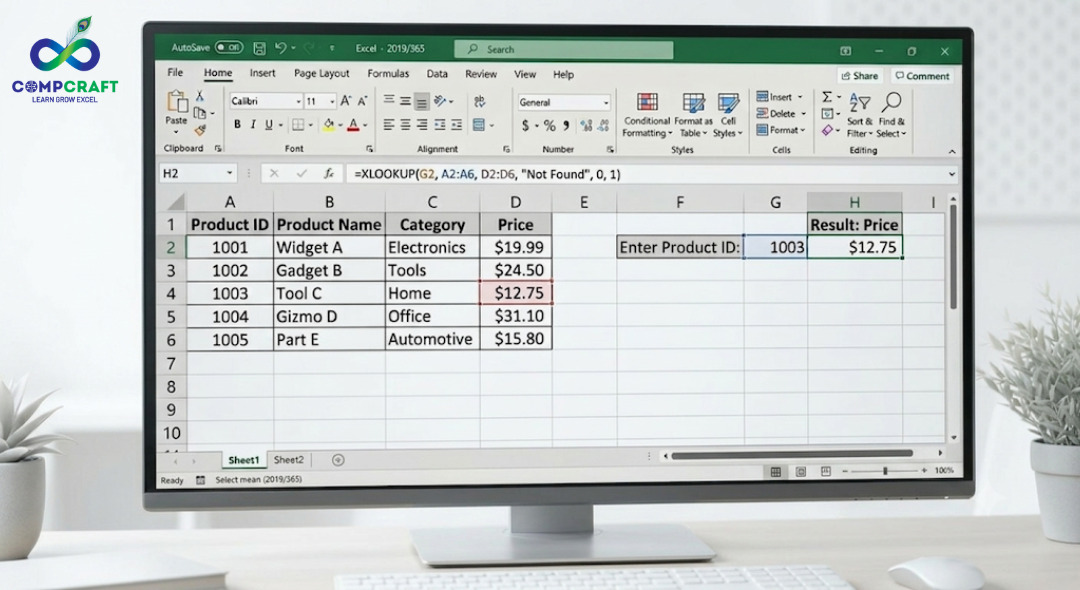
You point to the ID column and the Date column. Done in 10 seconds. No columns moved. No risk.
Scenario B: The Dynamic Sales Dashboard
You are creating a dashboard for a marketing business. You want to look up Ad Spend vs Revenue for months. Being able to explain why XLOOKUP is better
The Problem
Your data source is messy. Often has missing dates.
The XLOOKUP Edge
You can use the Search Mode feature to find the instance of a date, looking from bottom to top, ensuring you always get the most recent data point.
5. Common Mistakes and Pro Tips
Even if you have taken classes for Advanced Excel, these two functions can still trip you up if you are not careful.
The Absolute Mistake
Whether using VLOOKUP or XLOOKUP, beginners often forget to lock their ranges using dollar signs. Without this, as you drag the formula down, your search area slides down with it. You will start missing data at the top of your list.
The Formatting Nightmare
Excel is very literal. If your Lookup Value is the number 101. Your table has it stored as text ‘101 the lookup will fail. One of the things we teach in our Advanced Excel classes near Charni Road station is how to use the TRIM or VALUE functions to clean your data before you even start looking things up.
6. Which Strategy Works Better for Career Growth?
You might wonder: If XLOOKUP is much better, should I just forget VLOOKUP?
The answer is no.
Here is why:
- Compatibility: Many legacy companies in South Mumbai still use Excel 2016 or 2019. XLOOKUP only works in Microsoft 365 or Excel 2021+. If you send an XLOOKUP file to a client with a version, their screen will be a sea of errors.
- Interview Readiness: Interviewers ask about VLOOKUP specifically because it is the standard they grew up with. You need to show you can handle systems while advocating for new ones.
- The Expert Reputation:
Being able to explain why XLOOKUP is better than VLOOKUP makes you an authority, similar to how structured logic is applied in What is Python Programming and How It Works in Software Development.
than VLOOKUP makes you an authority. It shows you understand data integrity and efficiency.
7. How to Master These Skills
Reading about it is one thing, doing it is another. If you have been looking for Advanced Excel courses near you, the best way to learn is through hands-on practice with real-world data.
At CompCraft, we do not just teach you the syntax of a formula. We give you a broken spreadsheet, the kind you would actually find in an office, and challenge you to fix it. Whether you are looking for an Excel and Advanced Excel course to jumpstart your career or you are a working professional looking for Excel training with a certificate in South Mumbai, the goal is speed and accuracy.
Practical Strategy Insights (VLOOKUP vs XLOOKUP)
- Learn VLOOKUP first: Understand the Old School constraints so you appreciate the power of tools.
- Shift to XLOOKUP for projects: Make it your default function to save yourself from future maintenance.
- Master Index Match: If you really want to impress, learn the INDEX and MATCH combination. It is the alternative that many senior analysts still prefer over both.
Final Thoughts: The Verdict for 2026
In the battle of VLOOKUP vs XLOOKUP, the winner for growth and efficiency is XLOOKUP. It is more resilient, handles errors better, and is significantly faster to write. However, a true Advanced Excel professional is bilingual; they speak both the new languages of data.
The job market in Mumbai is competitive. Whether you are in finance, marketing, or operations, being the Excel person in the office is a track to being indispensable.
If you are ready to stop being afraid of your spreadsheets and start making them work for you, come join us at CompCraft. We will help you bridge the gap from user to data authority.
Are you still using VLOOKUP because of habit? Have you made the jump to XLOOKUP yet? What is the biggest formula fail you have ever had? Let us swap stories in the comments.
If you want to master these Excel skills with real-world datasets and practical training, structured learning can make all the difference. Programs like this <data-start=”3668″ data-end=”3748″>Courses at CompCraft focus on job-ready skills that companies actually look for.
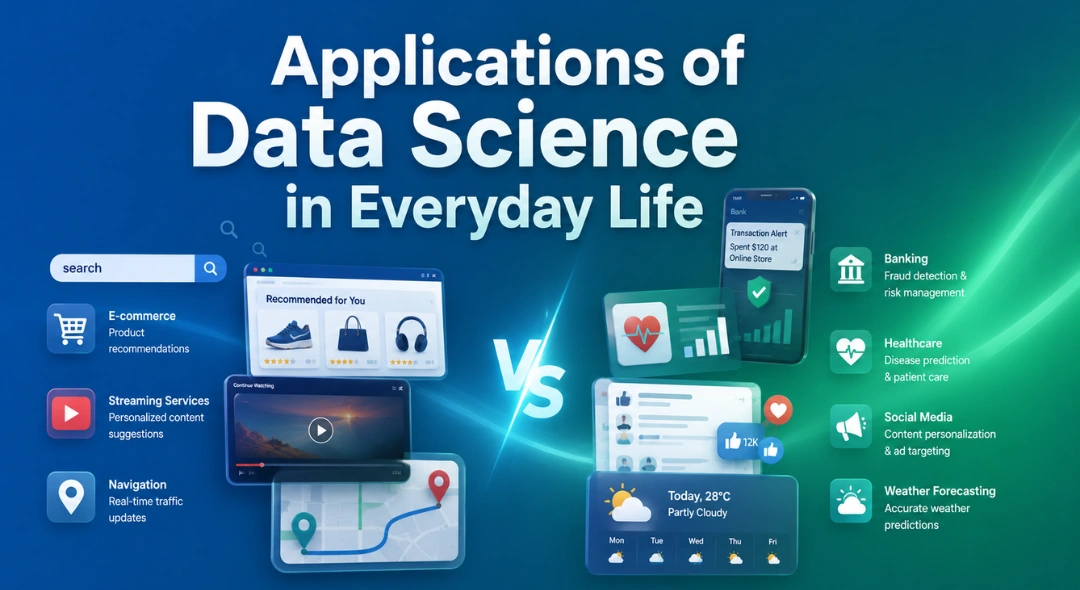
Applications of Data Science in Everyday Life Most people think data science is something that only happens inside huge tech companies or …
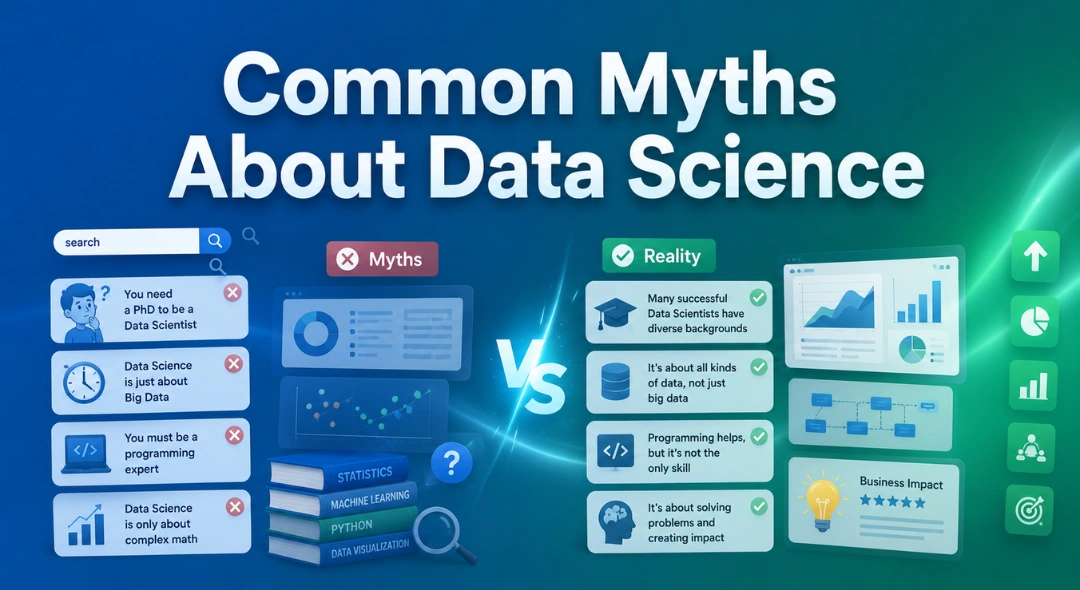
Common Myths About Data Science Data science has become one of those buzzwords that almost everyone has heard, but not everyone fully …
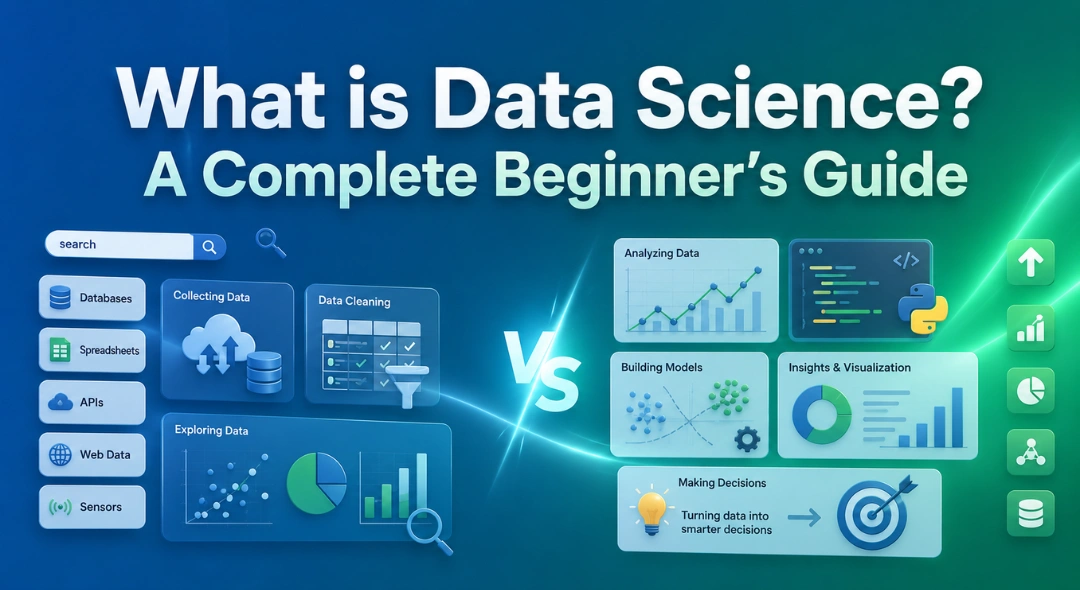
What is Data Science? A Complete Beginner’s Guide If you’ve spent any time online in the last few years, chances are you’ve …