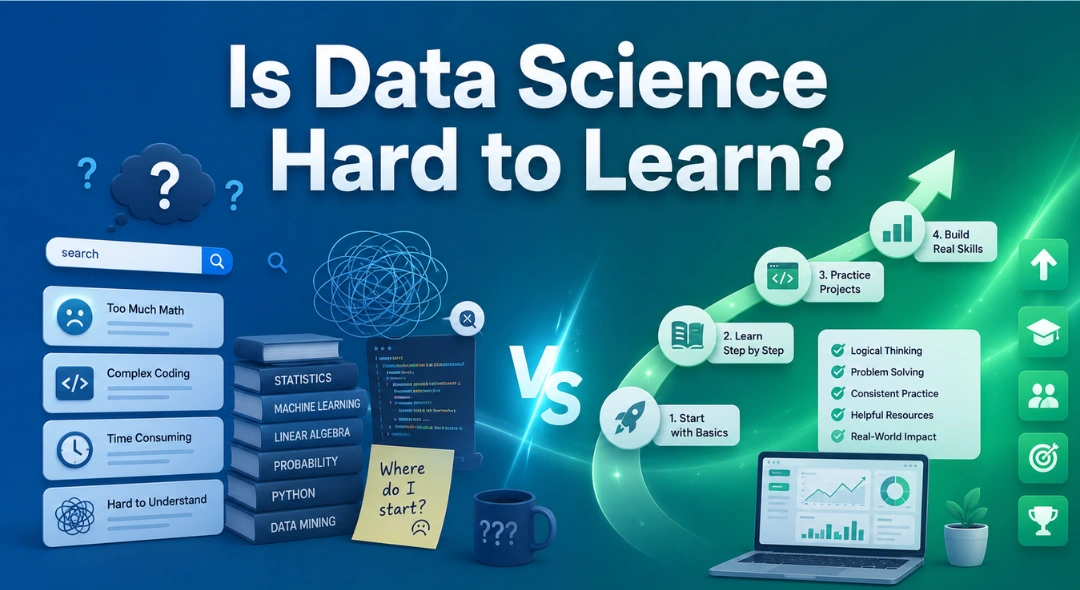
Is Data Science Hard to Learn? If you’ve ever searched “is data science hard,” you already know the internet isn’t much help. …
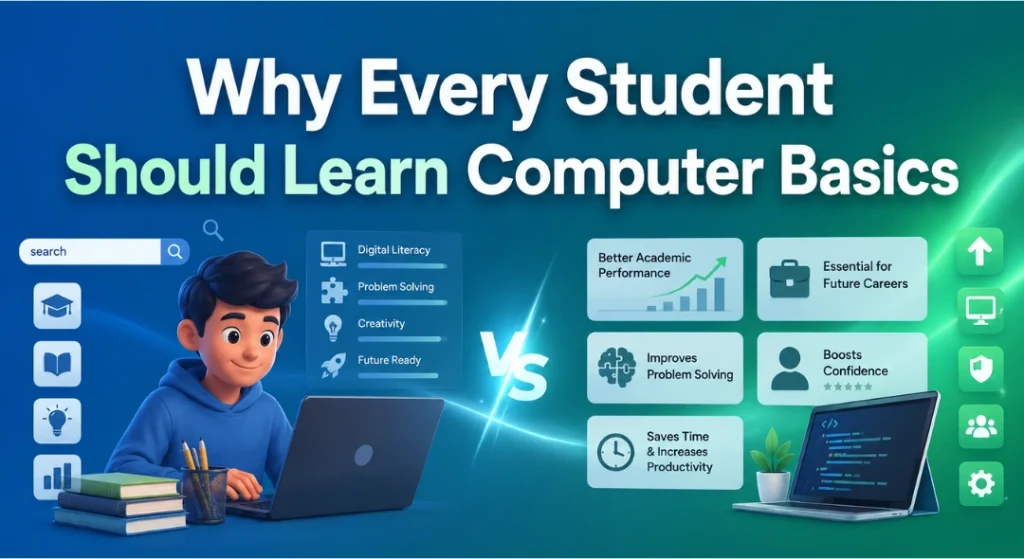
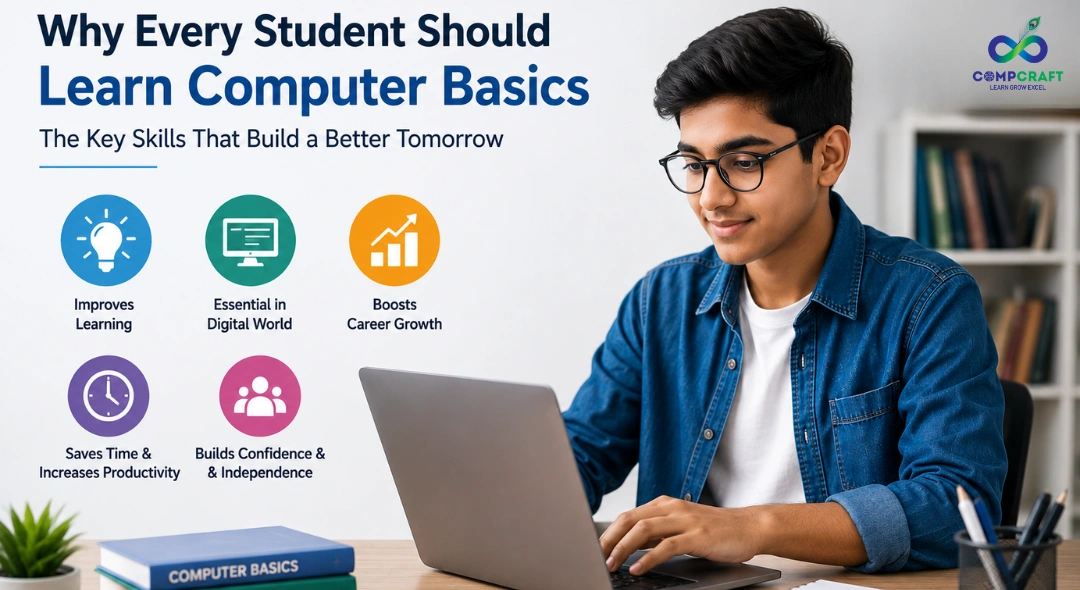
Why Every Student Should Learn Computer Basics
Walk into almost any classroom today, and you’ll spot laptops, tablets, or smartboards being used as naturally as textbooks once were. Computers have become such a normal part of student life that we often forget how valuable it actually is to understand them properly. Knowing how to open an app or scroll through social media isn’t the same as having real computer basics for beginners, the kind that helps you use technology productively, troubleshoot problems, and stay safe online. That gap is exactly why learning computer basics matters so much for students today.
It’s No Longer Optional
A generation ago, computer skills were a bonus, nice to have but not essential. That’s changed completely. Today, nearly every subject involves some digital element, typing assignments, researching online, building presentations, or submitting projects through a portal. Even subjects that feel unrelated to technology, like history or biology, often require spreadsheets, slideshows, or basic research tools.
Here’s a simple example: imagine two students working on the same school project. One only knows how to type in a document. The other understands basic computer fundamentals, organizing files into folders, formatting a document properly, and creating a clean presentation using Microsoft Office courses content like Word, Excel, and PowerPoint. The difference in the quality and efficiency of their work becomes obvious almost immediately, not because one student is smarter, but because one has stronger basic computer skills.
Building Real Problem-Solving Skills
One of the most underrated benefits of learning computer basics is how it shapes the way students think. Working with computers naturally involves troubleshooting. A file won’t open, a printer won’t connect, an app behaves strangely, and the student has to figure out why. This kind of problem-solving, trying one thing, checking if it worked, then trying something else, builds patience and logical thinking that carries over into other subjects too.
This is part of why a structured basic computer course is so valuable early on. It’s not just about learning software; it’s about training the brain to break problems into smaller, manageable steps, a skill that helps in math, science, and everyday decision-making alike.
Understanding the Tools They Already Use
Most students already spend hours a day on computers or phones, but that doesn’t mean they truly understand them. Learning the basics, how files are organized, what software actually does, how to use ms office classes effectively, or even simple safety habits like creating strong passwords, helps students use technology with intention rather than just habit.
For instance, a student who understands basic computer knowledge can quickly format an assignment correctly, fix a simple formatting error, or organize research notes in a spreadsheet instead of a messy notebook. These small skills add up to noticeably less stress during exam season or project deadlines.
Preparing for the Future Job Market
Almost every career today touches technology in some way, even traditional ones. A doctor uses digital health records. A shop owner manages online orders. A teacher creates digital lesson plans. Even creative fields like art and music now rely on digital tools regularly.
Students who build solid computer fundamentals early on aren’t locked into a “tech career,” but they walk into whatever career they choose with a real advantage. They’re not intimidated by new software, they pick up new tools faster, and they’re seen as more adaptable, one of the most valued qualities in any workplace.
This is something a good computer training institute often emphasizes early: the goal isn’t just teaching software, but building genuine comfort and confidence with technology, so students are ready for whatever comes next, whether that’s college, internships, or their first job.
Staying Safe Online
Along with opportunity comes risk, scams, misinformation, and privacy issues, to name a few. Students who understand computer basics are far better equipped to recognize these risks and protect themselves.
Simple knowledge, like spotting a suspicious link, understanding why public Wi-Fi can be risky, or knowing how personal information can be misused, can prevent serious problems down the line. This isn’t about making students paranoid; it’s about making them aware, much like understanding traffic rules helps you cross a road safely instead of avoiding it altogether.
Encouraging Independence and Confidence
There’s also a quieter benefit: independence. A student who knows how to troubleshoot a basic issue or figure out new software doesn’t have to rely on someone else every time something goes wrong. This builds genuine self-reliance that extends well beyond computers.
It also removes a layer of intimidation. Technology can feel overwhelming when you don’t understand it, like everyone else is in on a secret you missed. But once a student grasps the basics, that fear tends to disappear. New apps and platforms start to feel approachable rather than confusing, because the underlying logic doesn’t change much from one tool to another.
It Doesn’t Have to Be Complicated
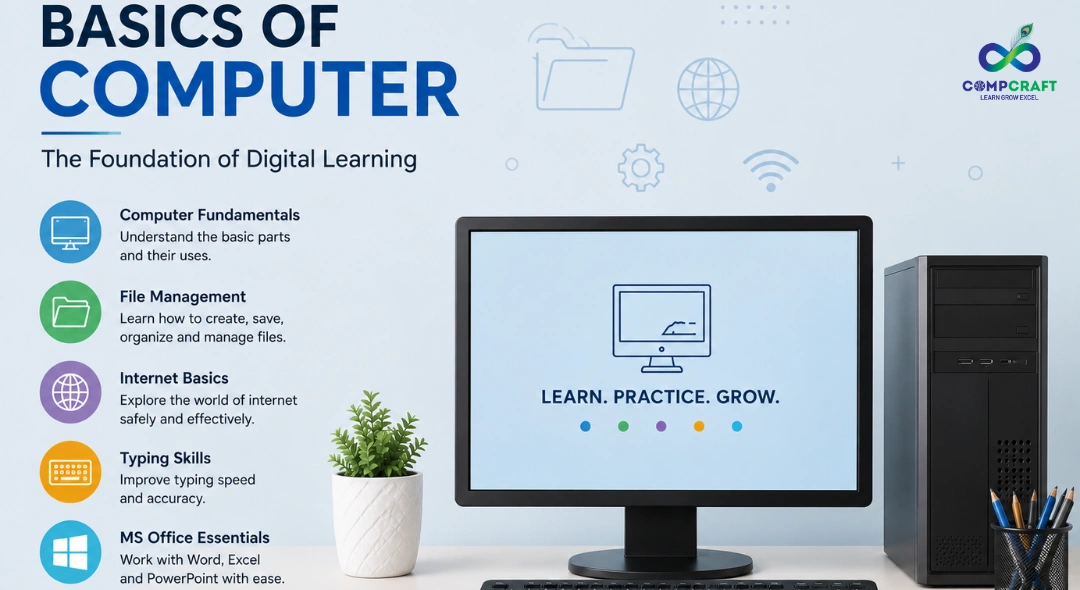
A common misconception is that learning computer basics means becoming a tech expert or memorizing technical jargon. In reality, it’s much simpler. It starts with understanding files and folders, common software like word processors and spreadsheets, how the internet works, and how to stay safe while using it.
From there, students can explore areas that interest them further, whether that’s design, coding, or data handling. But even at a basic level, this knowledge changes how confidently a student moves through both academic life and the world in general.
Where to Start Learning
If you’re a parent or student looking for the right place to begin, it helps to search for options that focus on hands-on practice rather than just theory. Searching for computer courses near me or computer training near me is often the first step, but it helps to know what to look for: practical exercises, real software practice, and a clear path from basics to more advanced skills.
For students just starting out, a computer course for beginners in Charni Road or computer classes for beginners near Charni Road can be an easy, low-pressure way to begin. Older students preparing for the job market often look for an IT course for beginners in Mumbai or a job oriented computer course in Charni Road, since these programs tend to focus on practical, employable skills. Some even consider computer training with placement near Charni Road as a way to ease the transition from learning to actually working.
For those wanting a quicker introduction, a short term computer courses in South Mumbai format can work well, and checking whether a program offers computer classes with certificate in South Mumbai is worth doing too, since a recognized certificate can support college or job applications down the line. A few local institutes, including CompCraft, offer this kind of structured, student-friendly computer coaching in the area, which can be a useful option for students who prefer guided, in-person learning over figuring things out alone.
A Skill for Life, Not Just for School
Ultimately, learning computer basics isn’t just about getting through school assignments. It’s a life skill, similar to reading or basic math, that students will rely on in nearly every part of their personal and professional lives. The earlier this foundation is built, the more naturally it becomes part of how a student thinks, learns, and solves problems.
In a world that’s only becoming more digital, understanding computers isn’t a luxury anymore. It’s simply part of being prepared for everyday life, and giving students that head start, through something as straightforward as a good basic computer course, is one of the most useful things we can do for them.
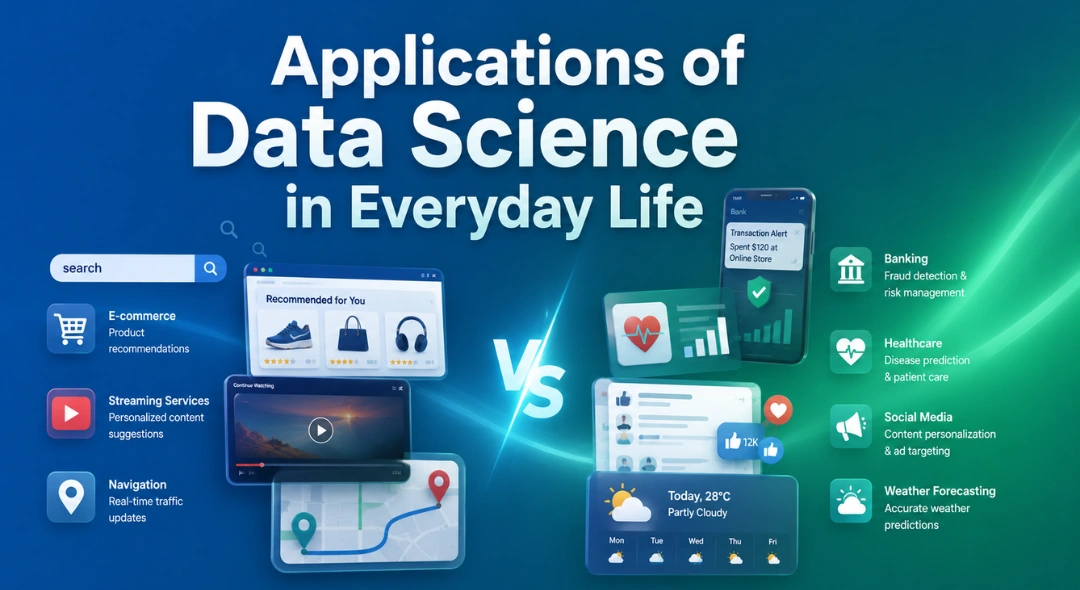
Applications of Data Science in Everyday Life Most people think data science is something that only happens inside huge tech companies or …
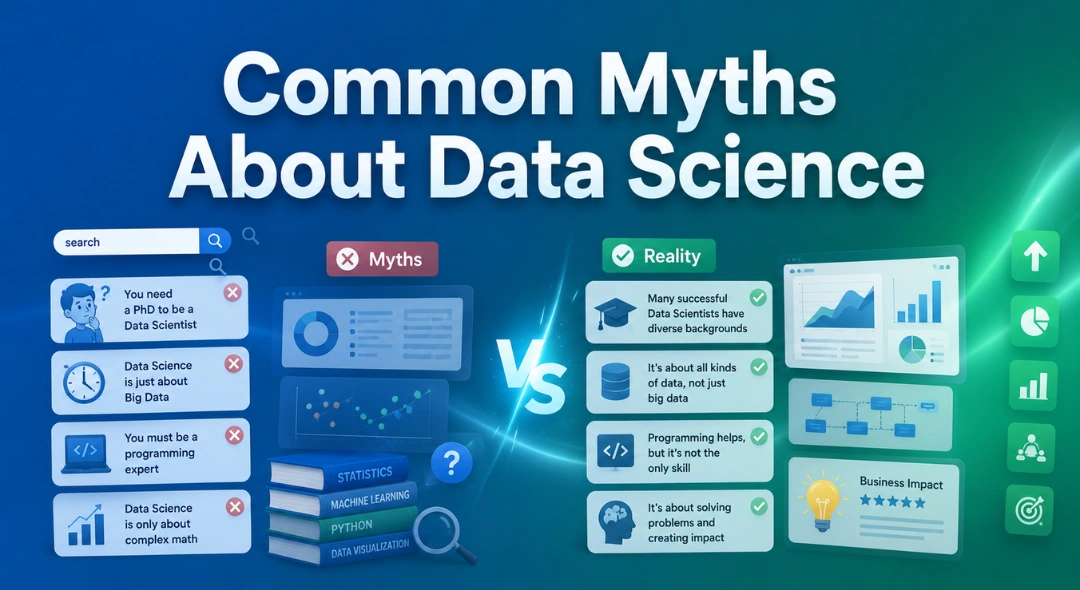
Common Myths About Data Science Data science has become one of those buzzwords that almost everyone has heard, but not everyone fully …
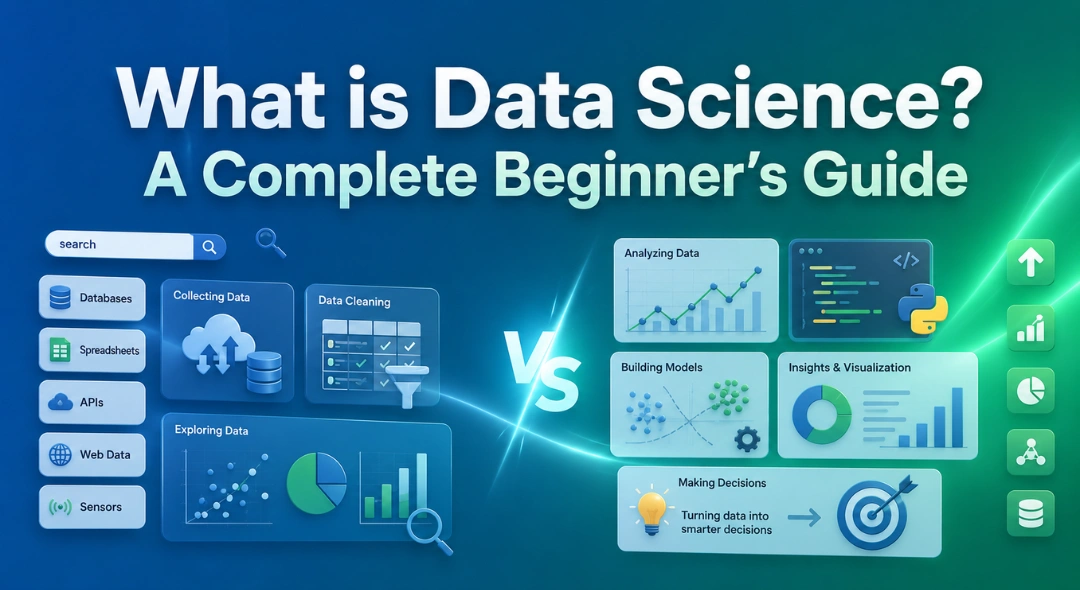
What is Data Science? A Complete Beginner’s Guide If you’ve spent any time online in the last few years, chances are you’ve …
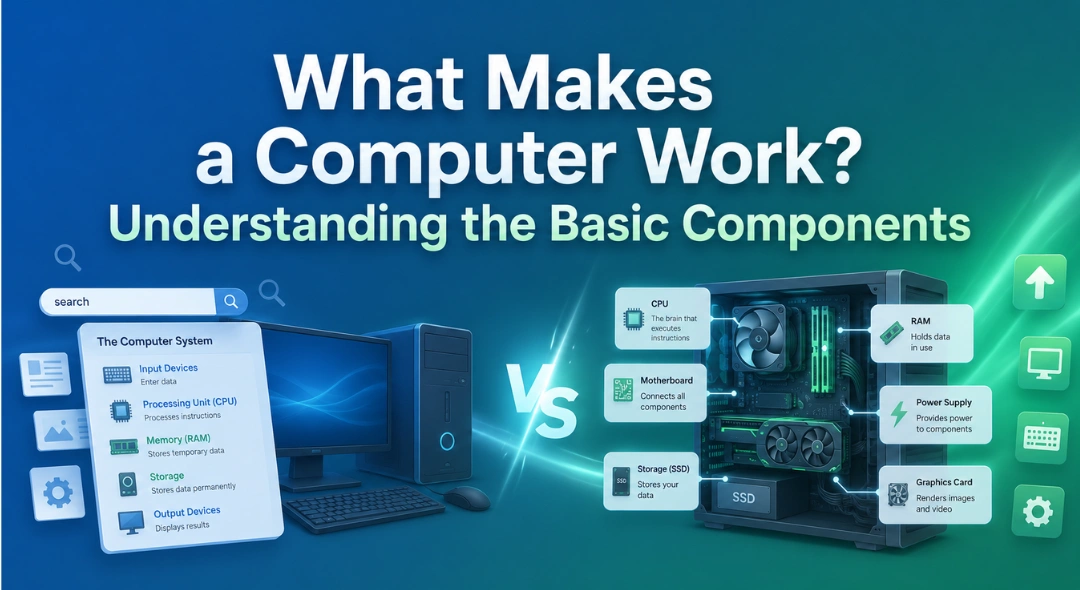
What Makes a Computer Work? Understanding the Basic Components Most of us use a computer every single day, typing emails, browsing the …
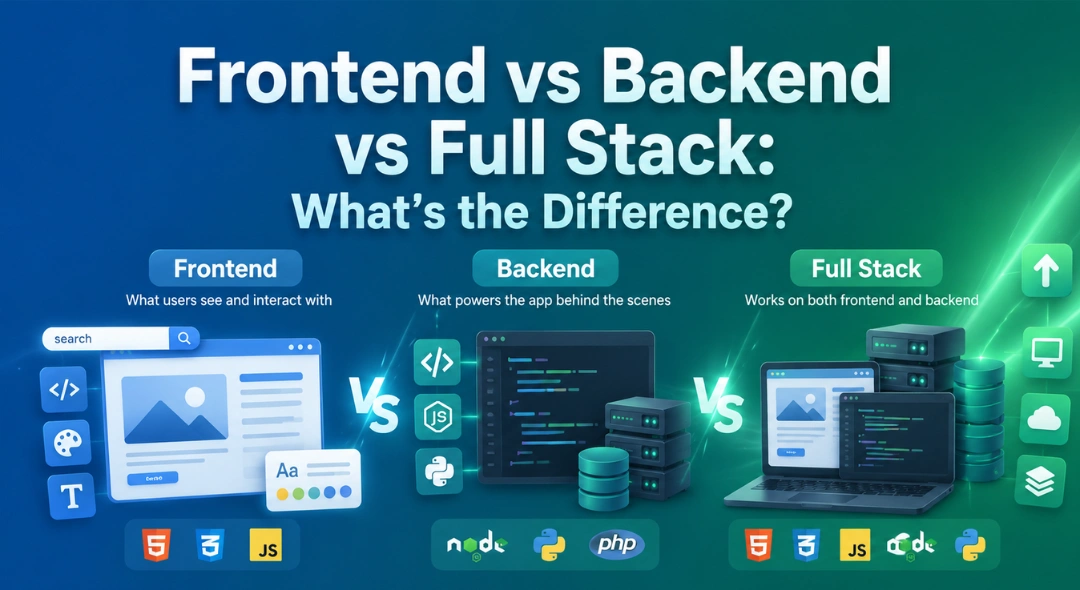
Frontend vs Backend vs Full Stack: What’s the Difference? If you’re exploring a career in software development, you’ve scrolled through job listings …
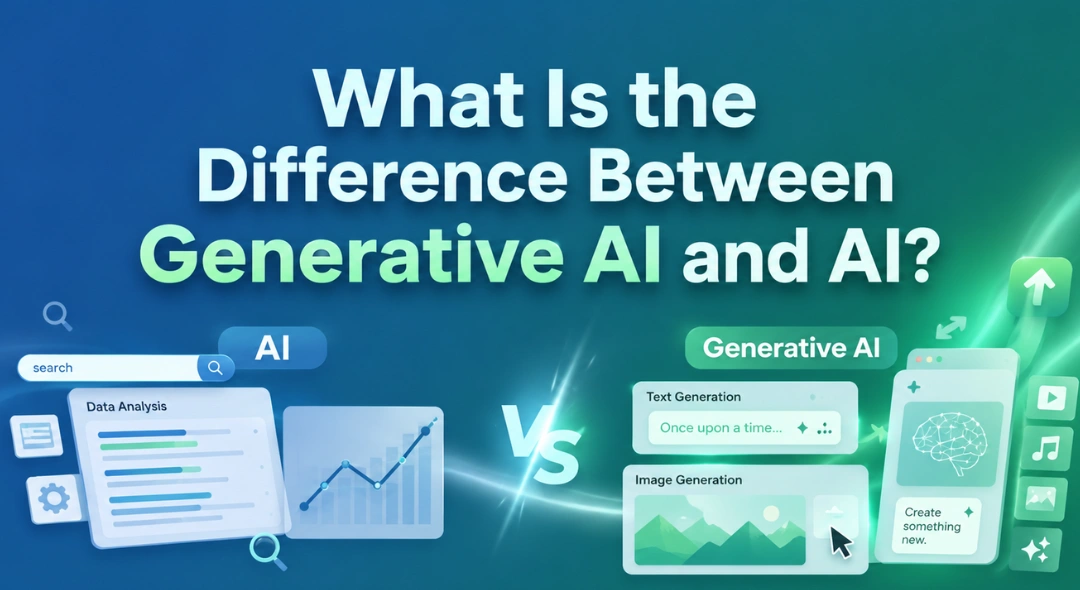
What Is the Difference Between Generative AI and AI? If you’ve spent any time online lately, you’ve probably noticed two terms being …

Every business from a small store in South Mumbai to a large company runs on numbers. But have you ever wondered how …
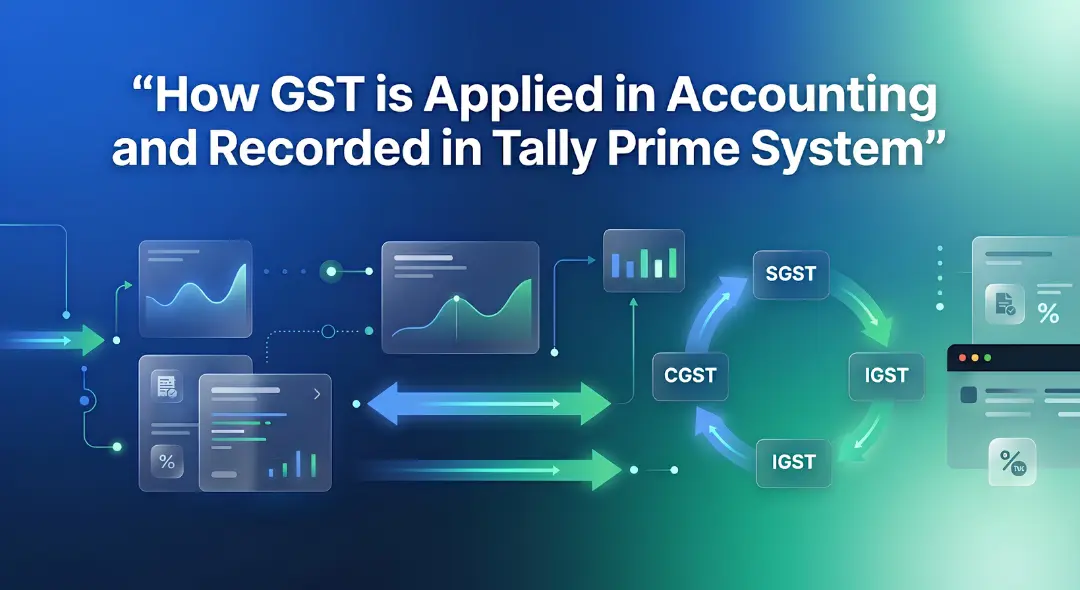
Hey everyone! If you have ever walked into a shop in Mumbai, bought a laptop, or even ordered food online, you have …

If you are new to business or managing accounts in Mumbai, you have probably heard the term ledger quite often. It sounds …
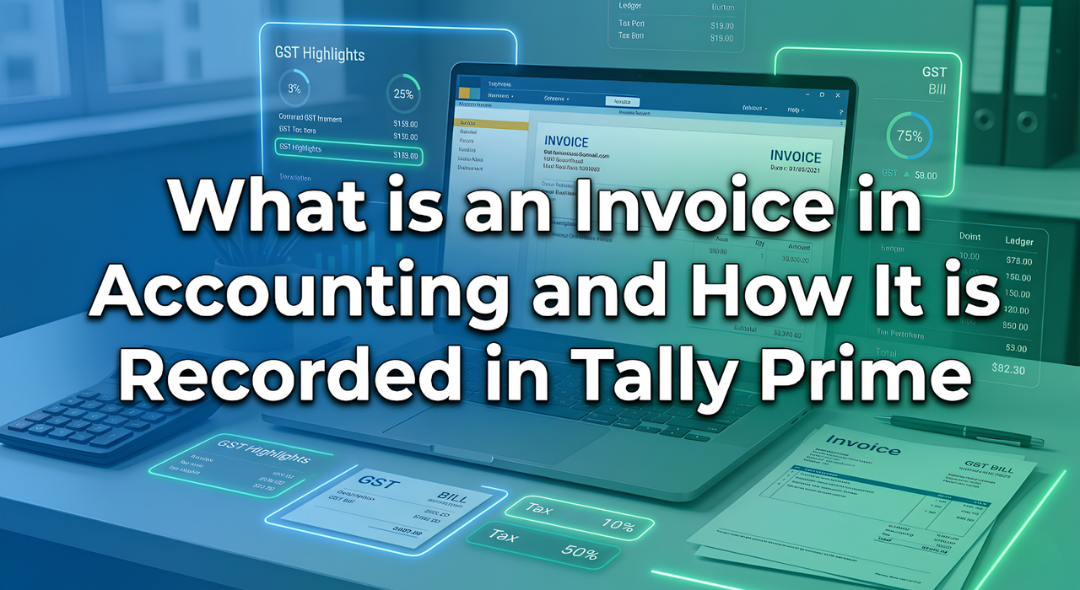
Introduction Have you ever bought a smartphone from an electronics shop and received a printed paper showing the amount you paid along …
Introduction: The Hidden World Behind Your Screen If you pick up your phone right now, what is the first app you will …
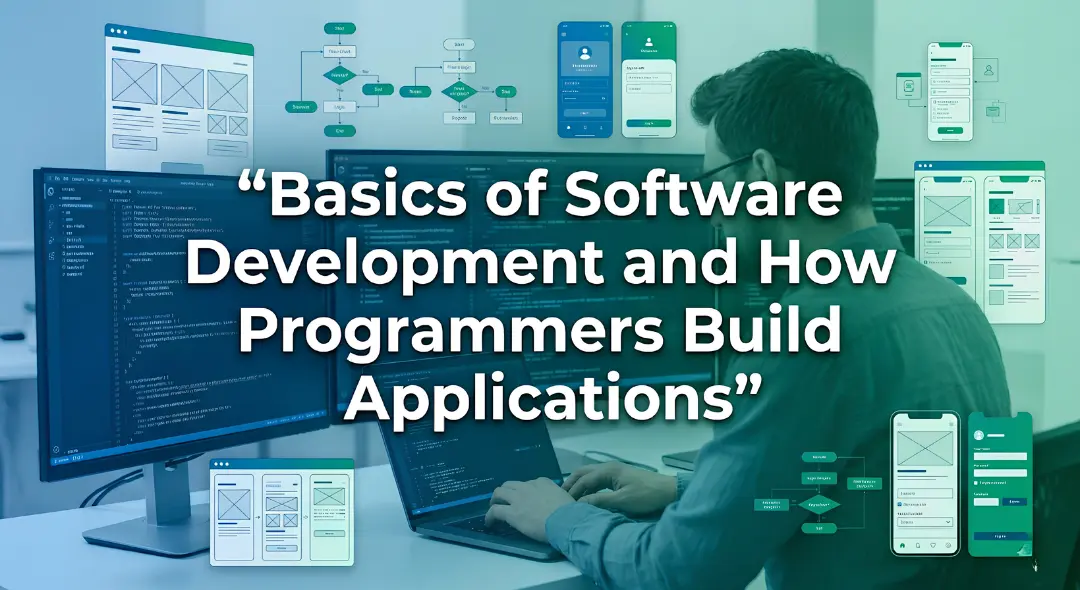
Every morning most of us in Mumbai wake up and instinctively reach for our phones. We check WhatsApp scroll through train updates …
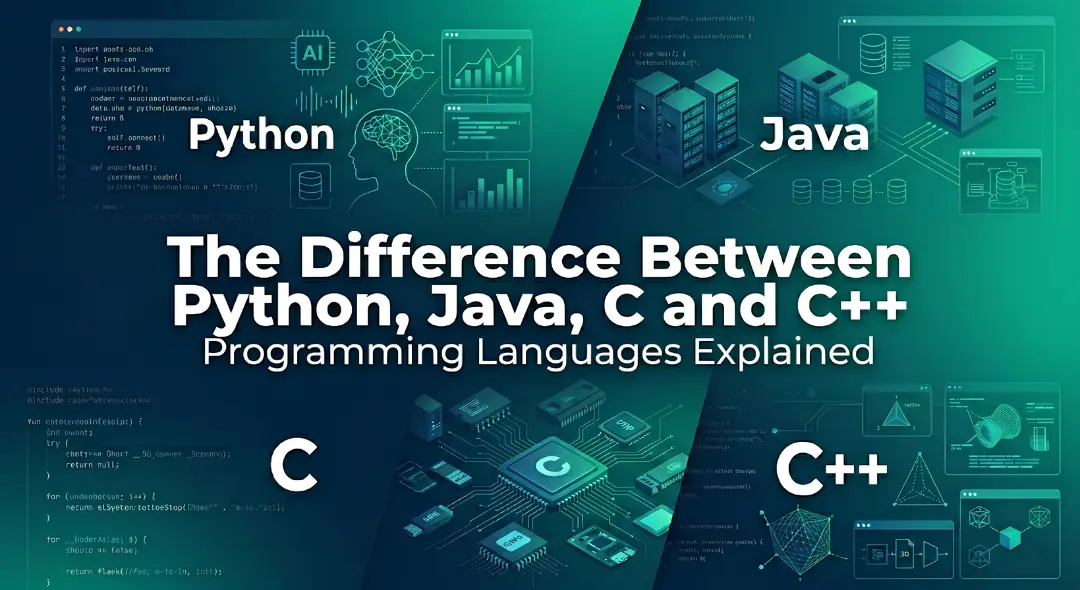
Every week at our center I get the exact same question from students. They walk in look at the course list and …
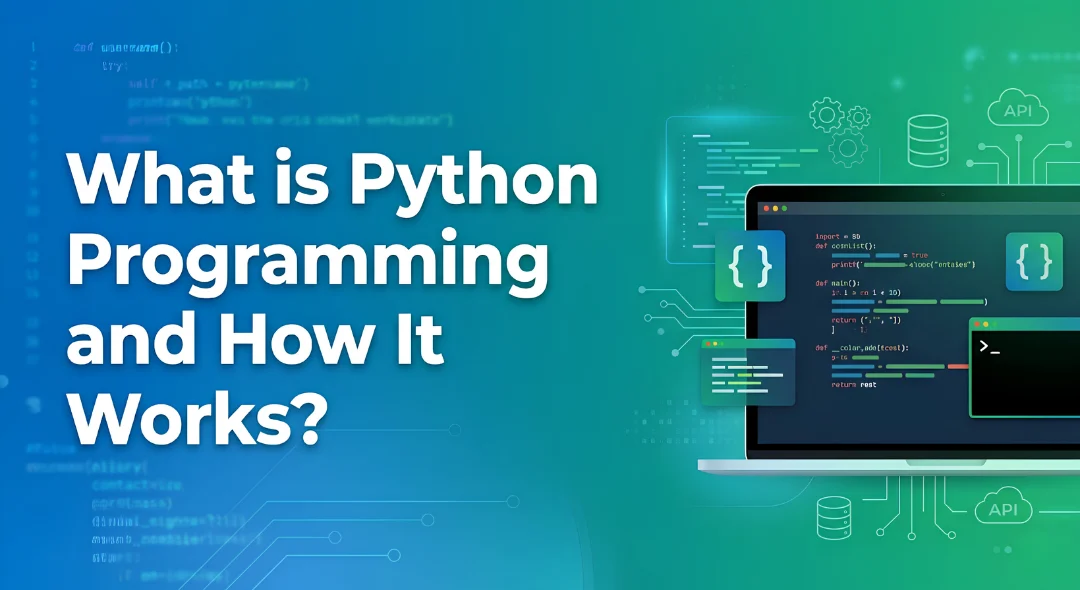
Have you ever wondered what happens behind the scenes of your apps like Instagram, Spotify, or Netflix? Every time you scroll through …

If you want to get into the data analytics field or if you want to improve your skills you probably have a …

Imagine you are sitting in a boardroom or staring at a laptop screen looking at a spreadsheet with 10,000 rows of raw …

If you have spent any time on Instagram, LinkedIn or any other new platform that has come up, you have probably noticed …
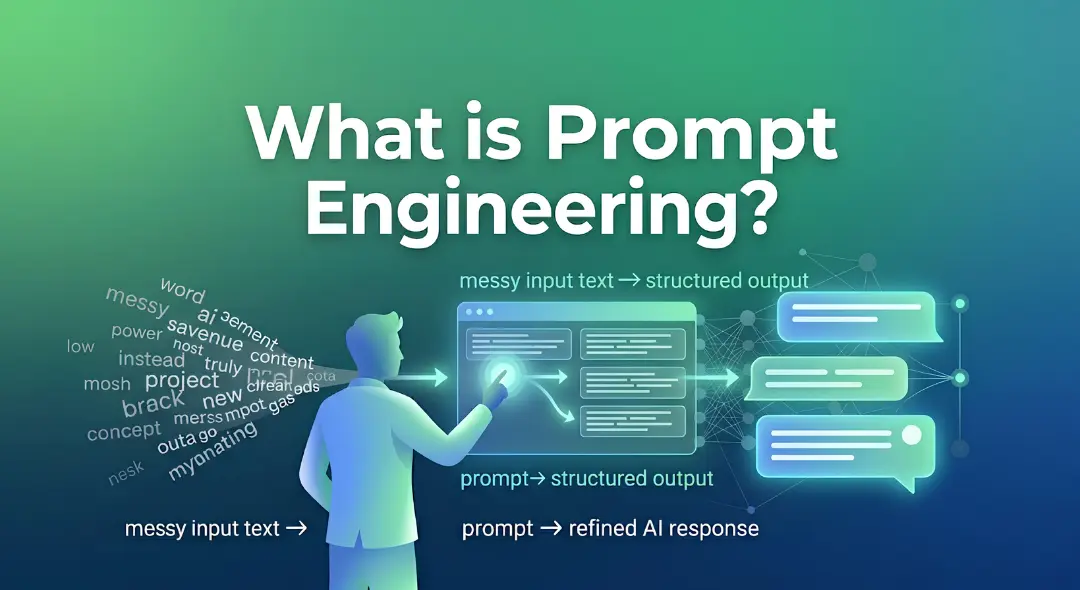
Think about the last time you asked someone for directions and ended up completely lost. It wasn’t because they didn’t know the …
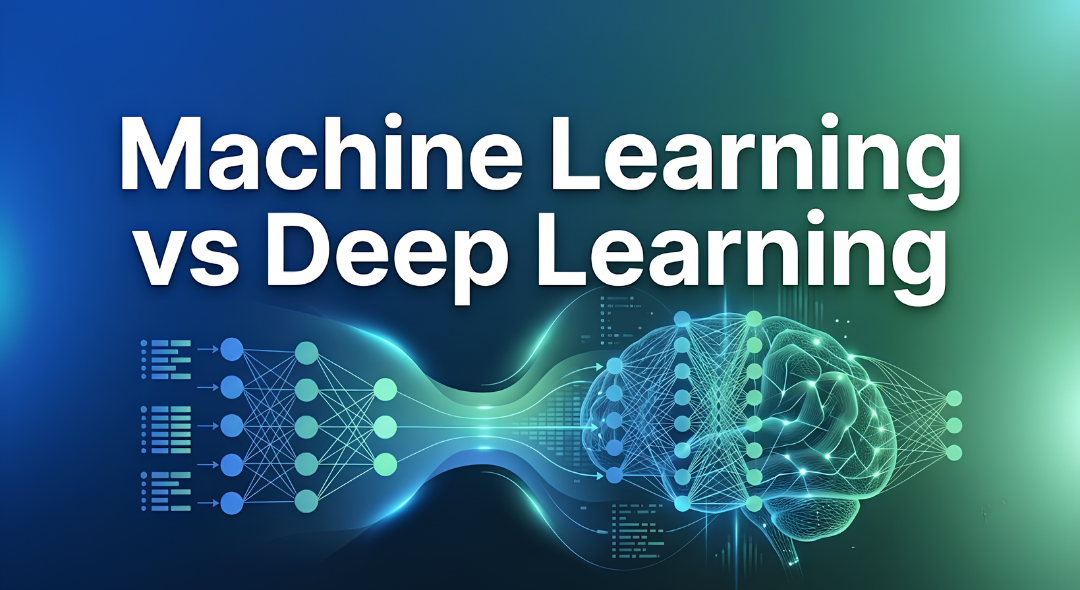
Have you ever wondered why your phone can instantly unlock by looking at your face while a traditional computer program still struggles …