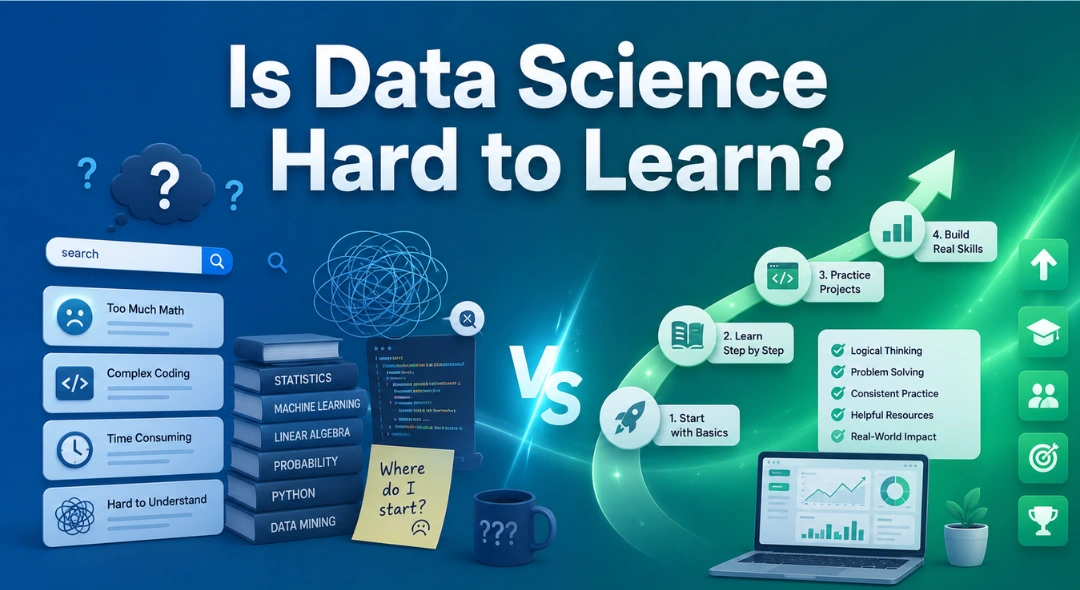
Is Data Science Hard to Learn? If you’ve ever searched “is data science hard,” you already know the internet isn’t much help. …
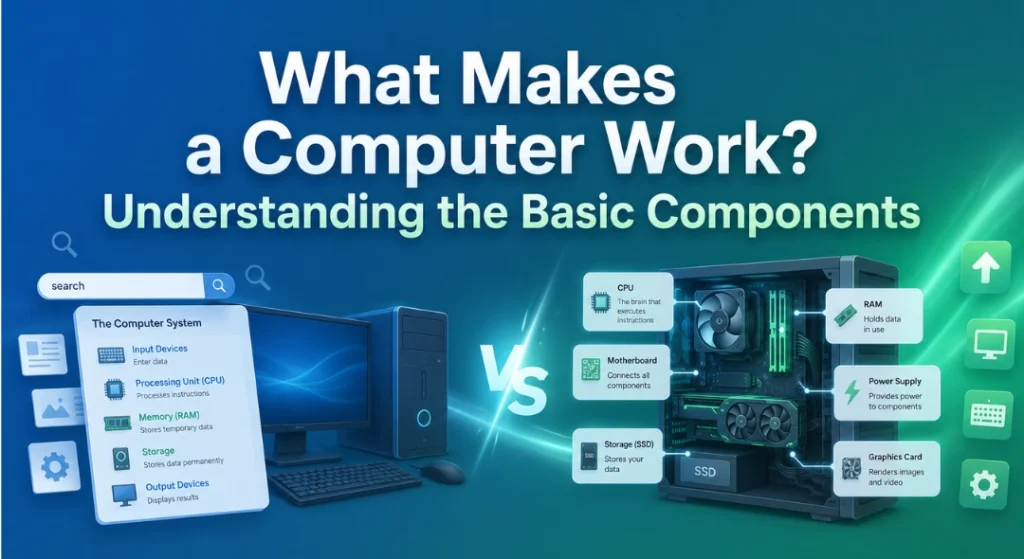
What Makes a Computer Work? Understanding the Basic Components
Most of us use a computer every single day, typing emails, browsing the internet, watching videos, without ever stopping to ask what’s actually happening inside that box on our desk. It’s a bit like driving a car without knowing what’s under the hood. You don’t need to be a mechanic to drive well, but understanding a few basics makes the whole experience a lot less mysterious.
This is exactly the kind of computer fundamentals that a good basic computer course covers, and honestly, it’s simpler than most people expect. Let’s break down the core parts that make a computer actually work.
The Brain: Central Processing Unit (CPU)
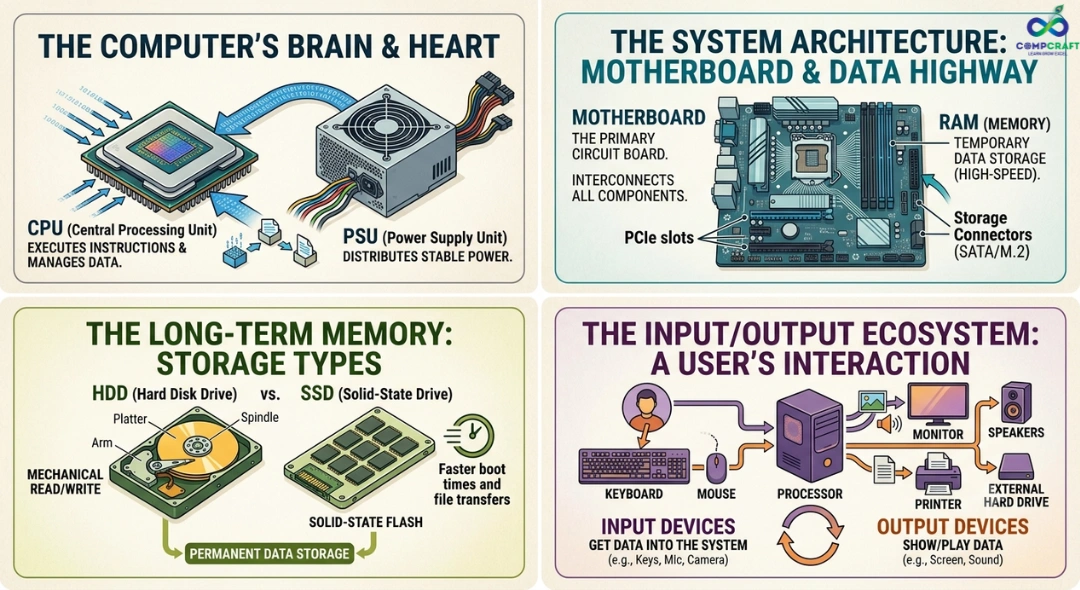
The CPU is often described as the brain of the computer, and that comparison holds up well. Its job is to follow instructions, doing calculations, making decisions, and moving data around at incredible speed. Every click, keystroke, and command you give your computer eventually gets processed here.
Here’s a simple way to picture it: imagine a very fast, very obedient assistant who can only do exactly what you tell them, but can do it millions of times per second. That’s essentially what a CPU is doing behind the scenes, whether you’re typing a Word document or watching a movie.
The Short-Term Memory: RAM
While the CPU handles the thinking, it needs a workspace to temporarily store information it’s currently using. That’s where RAM, or Random Access Memory, comes in.
Think of RAM like a kitchen counter. The bigger the counter, the more ingredients and tools you can have out at once while cooking. If the counter is too small, you constantly have to put things away to make room for new ones, slowing everything down. That’s basically what happens when a computer runs out of RAM: it has to keep shuffling information, making everything feel sluggish, especially when you’re switching between many apps at once.
One important thing to remember: RAM is temporary. The moment you shut down your computer, everything stored there disappears. That’s where storage comes in.
The Long-Term Memory: Storage
Storage is where your files, photos, documents, and apps live permanently, even after you turn the computer off. You’ll usually come across two types: hard disk drives (HDDs) and solid-state drives (SSDs).
HDDs use spinning magnetic disks, somewhat like an old record player, while SSDs store data electronically with no moving parts, similar to how a USB drive works. SSDs tend to be faster and more durable, which is why most modern computers now use them.
A simple way to remember the difference between RAM and storage: storage is your filing cabinet, where everything is kept long-term, while RAM is your desk, where you temporarily spread out whatever you’re currently working on.
The Foundation: Motherboard
If the CPU is the brain, the motherboard is more like the nervous system holding everything together. It’s a large circuit board that connects every other component, the CPU, RAM, storage, and more, allowing them to communicate with each other properly.
Without the motherboard, none of these parts could “talk” to one another. It’s the foundation that makes the entire system function as one unit, rather than a pile of disconnected parts.
The Eyes: Graphics Processing Unit (GPU)
The GPU’s main job is handling everything you see on your screen. While the CPU is a generalist, capable of handling all kinds of tasks, the GPU specializes specifically in processing images, videos, and visuals efficiently.
For everyday tasks like browsing the internet or working on MS Office documents, a basic GPU is more than enough. But for things like video editing, gaming, or graphic design, a more powerful GPU makes a noticeable difference in how smoothly visuals load and render.
Powering It All: The Power Supply
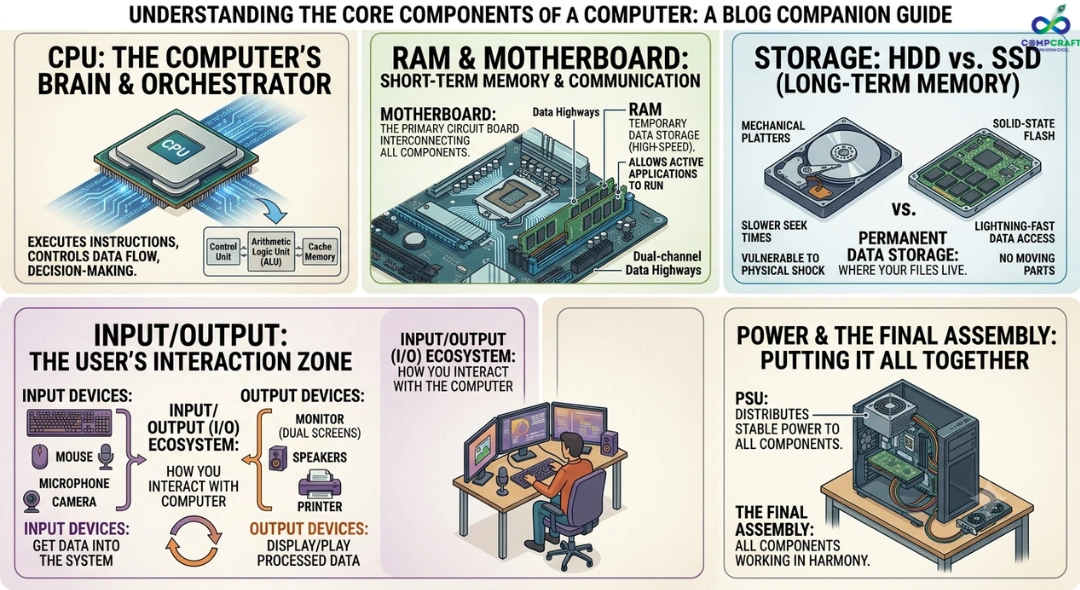
None of these parts work without electricity, and that’s the power supply’s job. It takes power from the wall outlet and converts it into the right form for each component to use safely. It’s easy to overlook, but without a stable power supply, even the most powerful CPU or GPU won’t perform properly.
Putting It All Together: A Simple Example
Let’s say you open Microsoft Word to type a letter. The CPU receives that instruction and asks storage to load the necessary files. Those files move into RAM, since it’s much faster to access than storage. The CPU processes your keystrokes in real time, the GPU displays the text and formatting on your screen, and the motherboard makes sure all of this communication happens correctly between every part.
All of this happens in a fraction of a second, every single time you type a sentence. It’s a perfect example of how understanding basic computer knowledge can make something that feels like magic actually make sense.
Why Learning the Basics Matters
You don’t need to become a computer engineer to benefit from understanding these fundamentals. Whether you’re a student, a working professional, or someone simply trying to use technology more confidently, basic computer skills go a long way.
This is exactly what a solid computer training institute focuses on early: helping beginners understand not just how to click buttons, but why things work the way they do. Many people start with computer basics for beginners, covering things like file management, basic troubleshooting, and an introduction to commonly used software.
From there, practical skills like Microsoft Office courses, covering Word, Excel, and PowerPoint, become especially useful, since these tools are used in nearly every job today, regardless of industry. A good course of computer fundamentals usually combines both: understanding how computers work and learning the everyday software people rely on most.
Finding the Right Place to Learn
If you’re looking for computer courses near me or a computer training near me, it helps to look for a place that focuses on hands-on practice rather than just theory. A good computer institute should let you actually use the software, troubleshoot small issues, and build confidence gradually rather than memorizing steps you’ll forget later.
For those based in Mumbai, there are several practical options worth exploring. You’ll find choices for a basic computer course in Charni Road, computer classes in Charni Road Mumbai, and a computer institute near Charni Road for those who prefer learning close to home or work. Areas like Girgaon, Marine Lines, Grant Road, and Churchgate also have growing options for computer training institute in South Mumbai, along with computer training in Mumbai Central for those commuting from nearby.
If you’re just starting out, a computer course for beginners in Charni Road or computer classes for beginners near Charni Road can be a gentle, low-pressure way to begin. For working professionals, options like a job oriented computer course in Charni Road or computer training with placement near Charni Road can be especially useful, since they’re designed with practical career outcomes in mind.
Many learners also prefer a short term computer courses in South Mumbai format, especially if they want a quick, focused introduction rather than a long-term commitment. When comparing options, it’s worth checking whether a program offers computer classes with certificate in South Mumbai, since having a recognized certificate can be helpful for job applications later on. A few local institutes, including CompCraft, offer this kind of structured, beginner-friendly computer coaching in the area, which can be a practical choice for those who prefer in-person guidance over learning everything alone.
Bringing It Back Together
Once you understand these basic components, the CPU, RAM, storage, motherboard, GPU, and power supply, computers stop feeling like confusing black boxes and start feeling like a well-coordinated team, each part doing its job so the whole system runs smoothly.
The next time your computer boots up, your documents open instantly, and everything just works, you’ll know exactly what’s happening behind that screen. And if you’re ready to go a step further, learning the basics through a structured, beginner-friendly course is one of the simplest ways to turn that curiosity into real, confident skill.
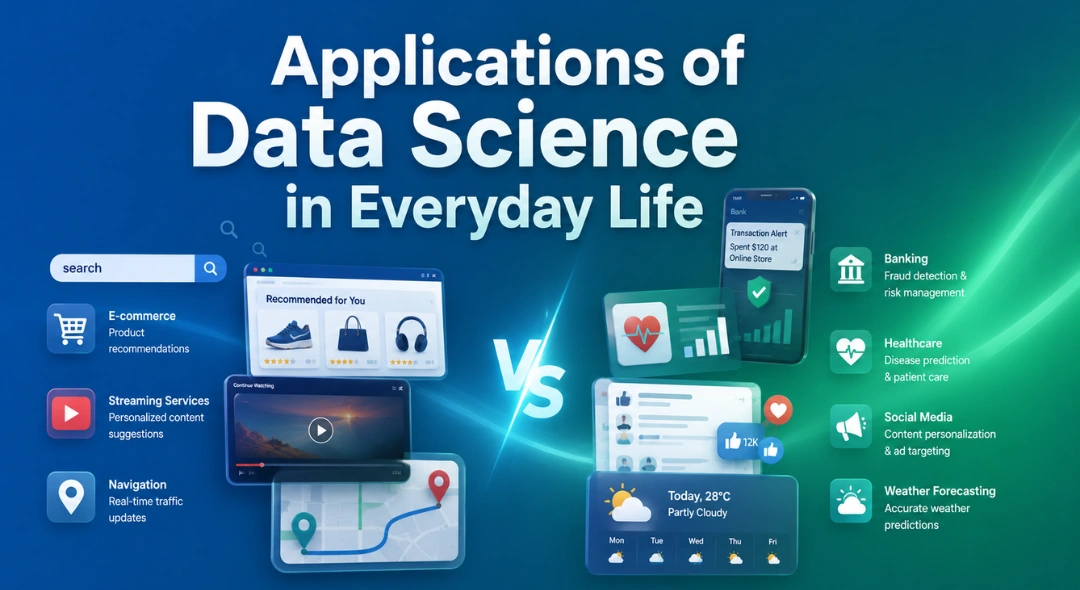
Applications of Data Science in Everyday Life Most people think data science is something that only happens inside huge tech companies or …
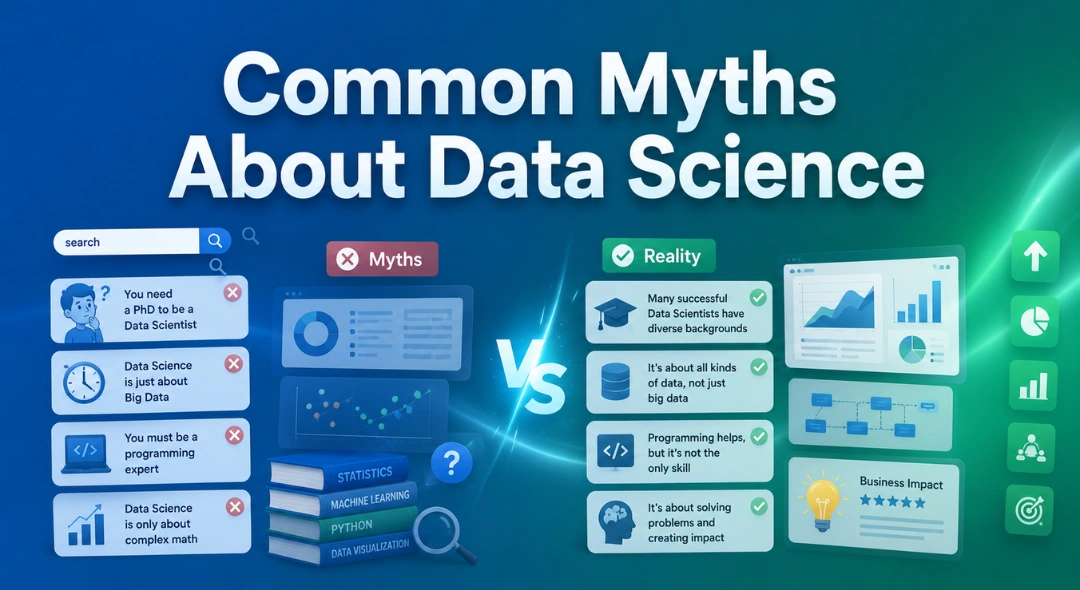
Common Myths About Data Science Data science has become one of those buzzwords that almost everyone has heard, but not everyone fully …
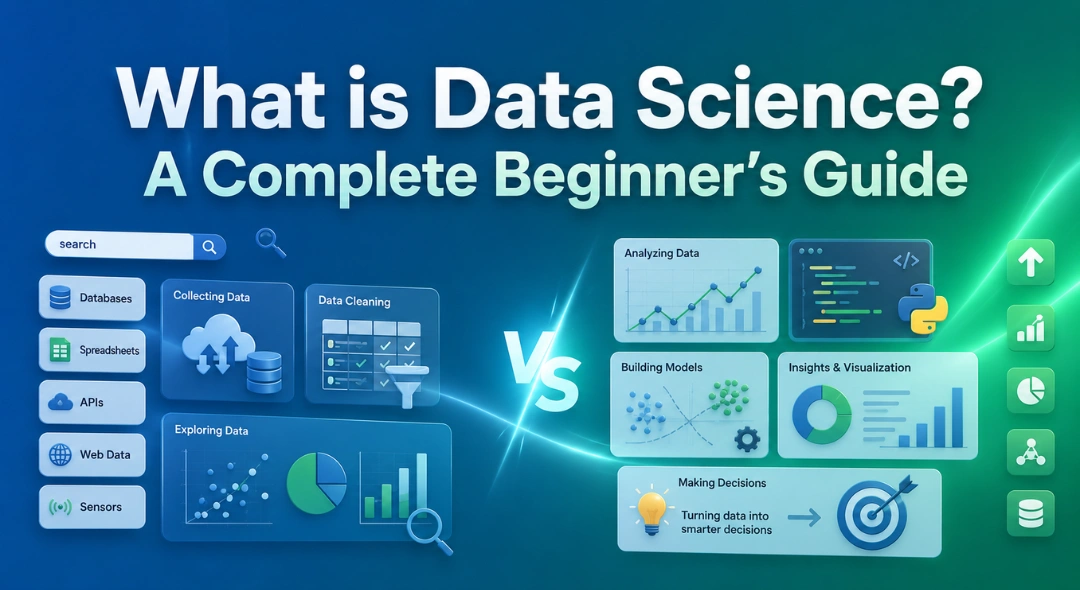
What is Data Science? A Complete Beginner’s Guide If you’ve spent any time online in the last few years, chances are you’ve …
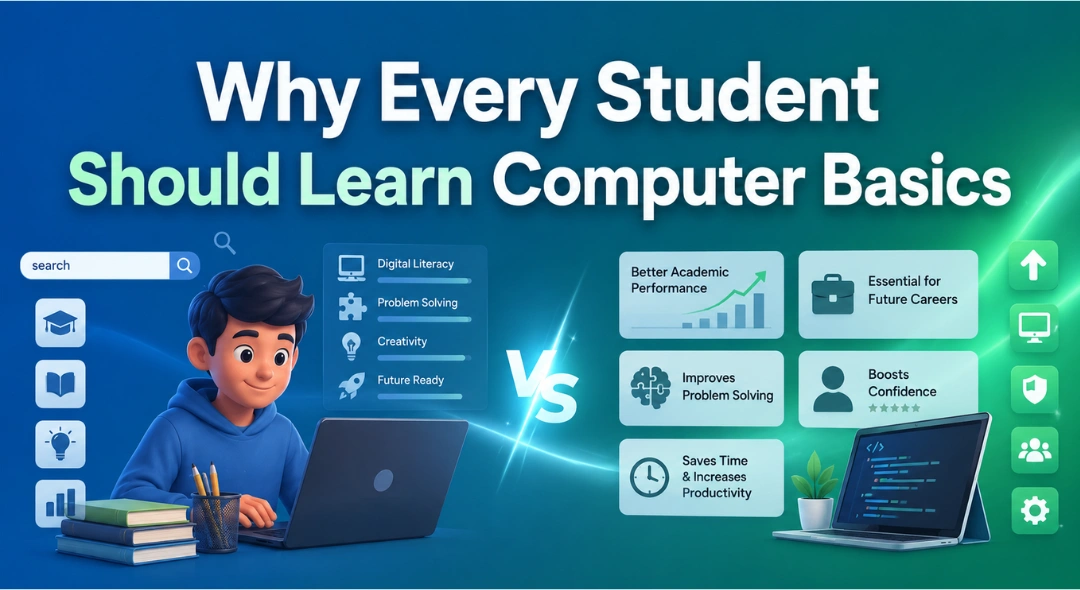
Why Every Student Should Learn Computer Basics Walk into almost any classroom today, and you’ll spot laptops, tablets, or smartboards being used …
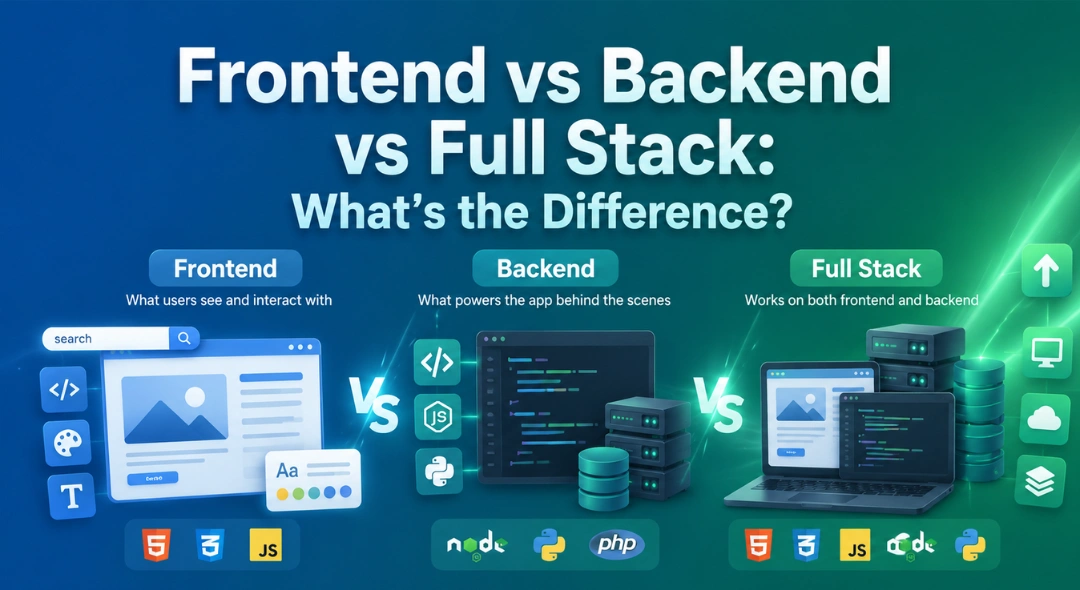
Frontend vs Backend vs Full Stack: What’s the Difference? If you’re exploring a career in software development, you’ve scrolled through job listings …
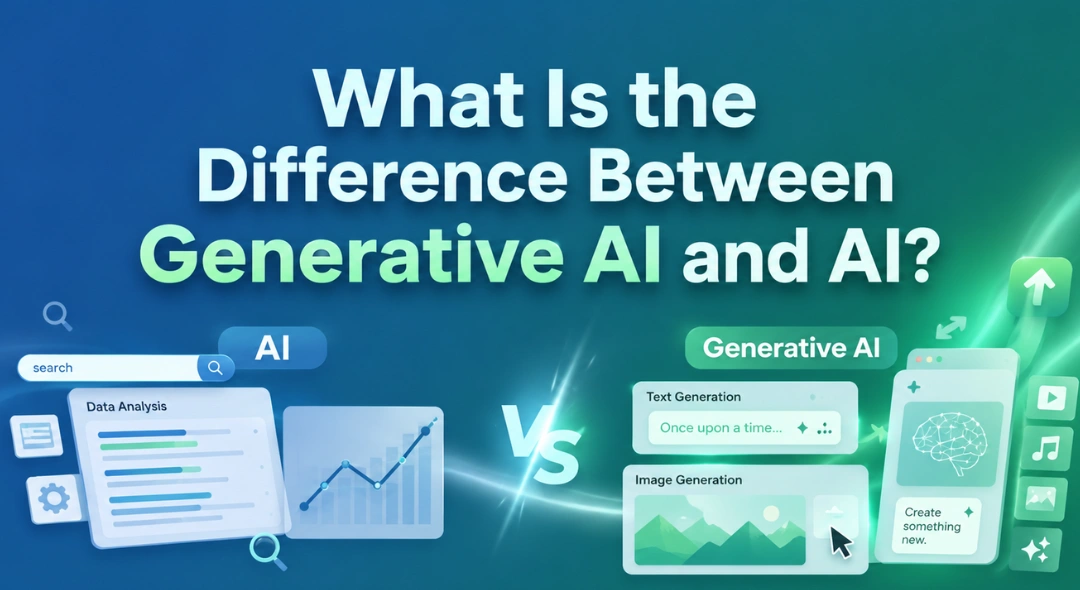
What Is the Difference Between Generative AI and AI? If you’ve spent any time online lately, you’ve probably noticed two terms being …
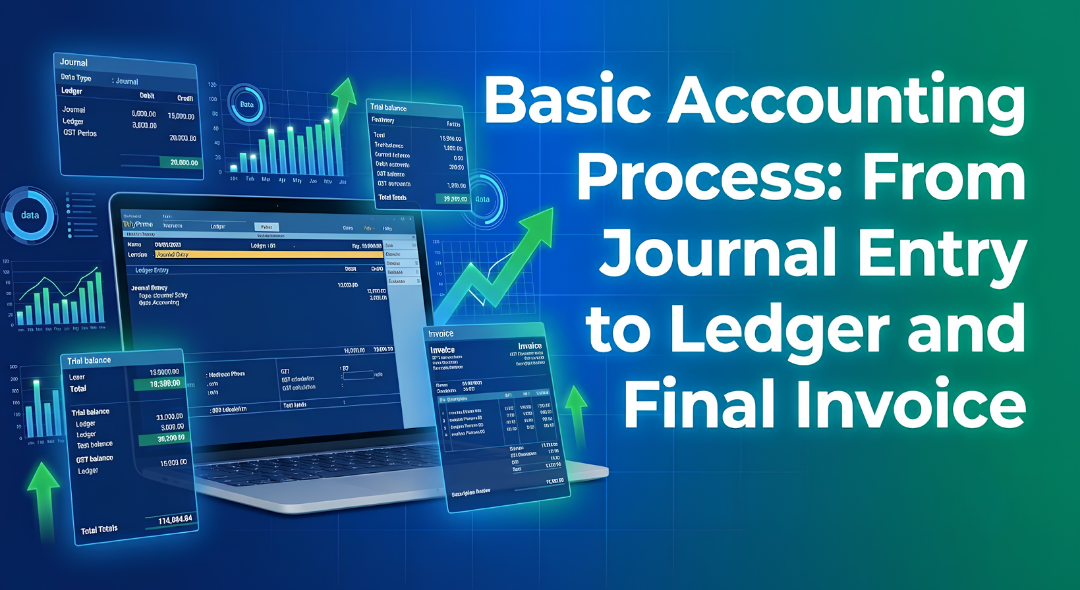
Every business from a small store in South Mumbai to a large company runs on numbers. But have you ever wondered how …

Hey everyone! If you have ever walked into a shop in Mumbai, bought a laptop, or even ordered food online, you have …

If you are new to business or managing accounts in Mumbai, you have probably heard the term ledger quite often. It sounds …
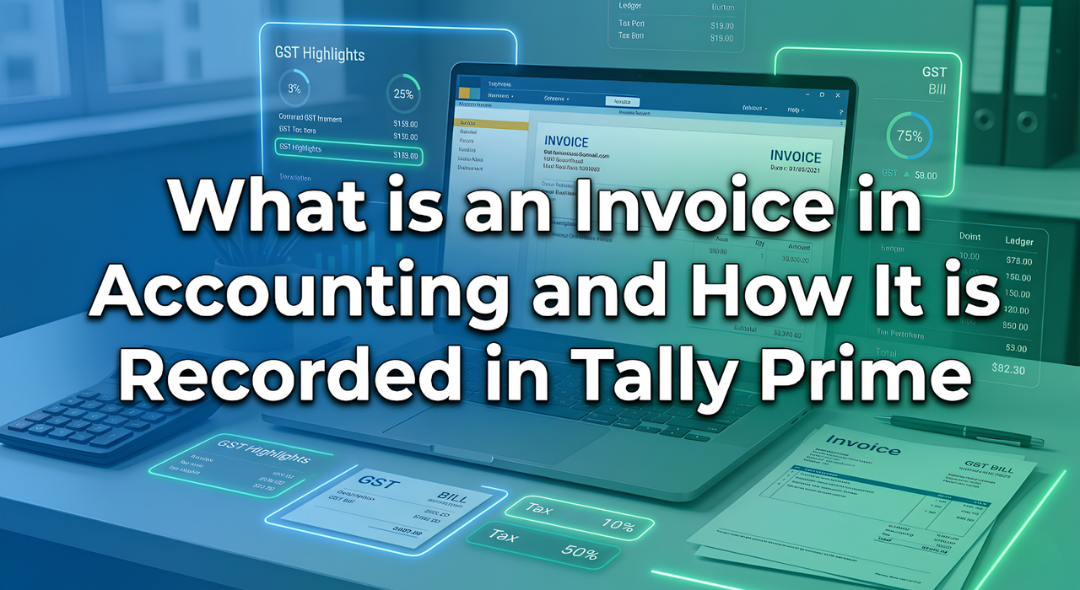
Introduction Have you ever bought a smartphone from an electronics shop and received a printed paper showing the amount you paid along …
Introduction: The Hidden World Behind Your Screen If you pick up your phone right now, what is the first app you will …
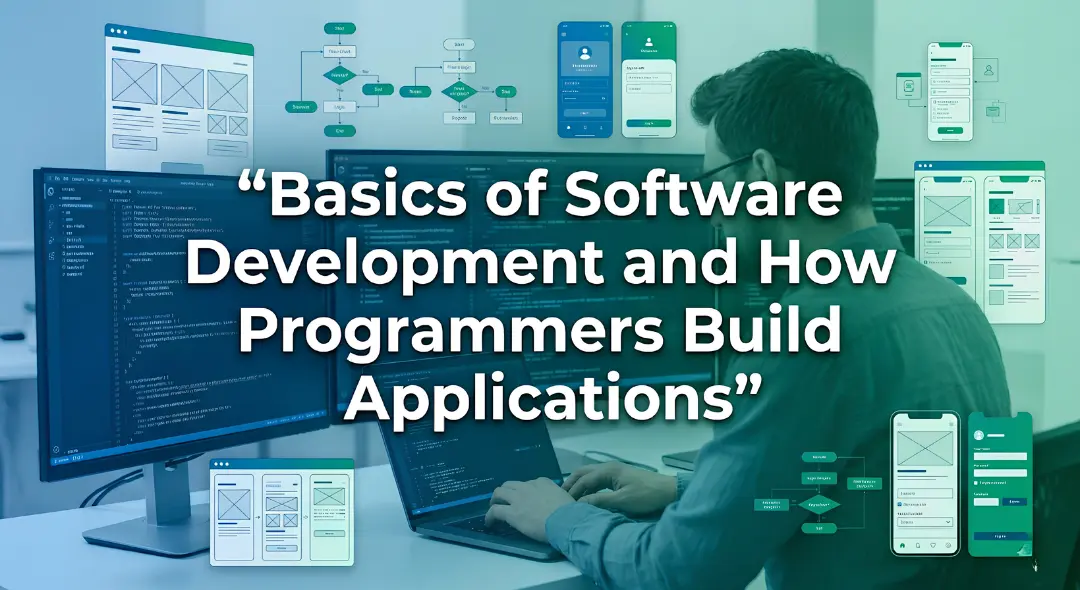
Every morning most of us in Mumbai wake up and instinctively reach for our phones. We check WhatsApp scroll through train updates …
Every week at our center I get the exact same question from students. They walk in look at the course list and …
Have you ever wondered what happens behind the scenes of your apps like Instagram, Spotify, or Netflix? Every time you scroll through …
If you want to get into the data analytics field or if you want to improve your skills you probably have a …
Imagine you are sitting in a boardroom or staring at a laptop screen looking at a spreadsheet with 10,000 rows of raw …

If you have spent any time on Instagram, LinkedIn or any other new platform that has come up, you have probably noticed …
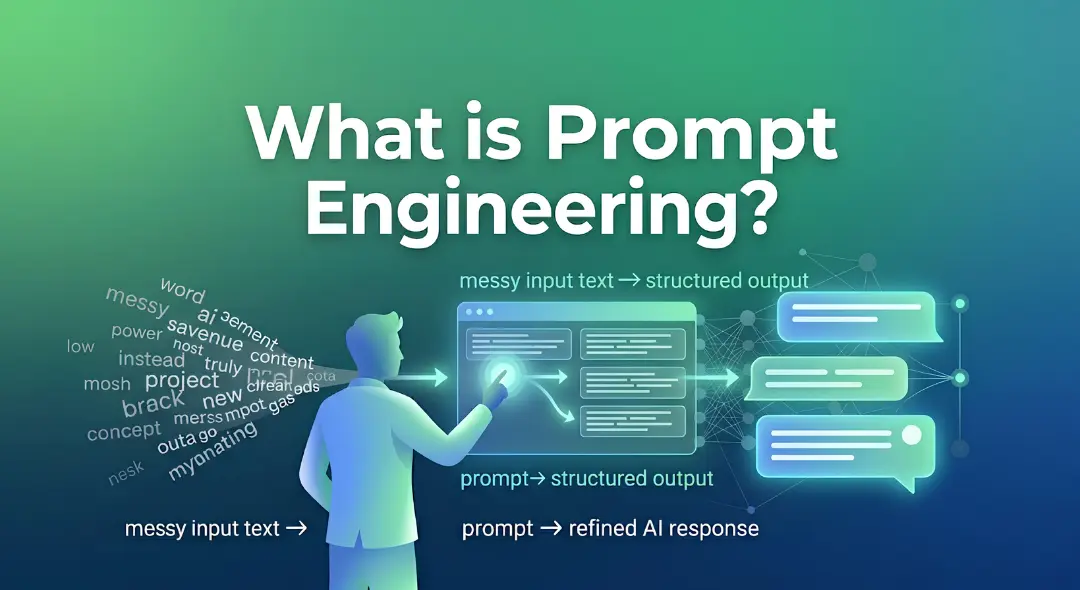
Think about the last time you asked someone for directions and ended up completely lost. It wasn’t because they didn’t know the …
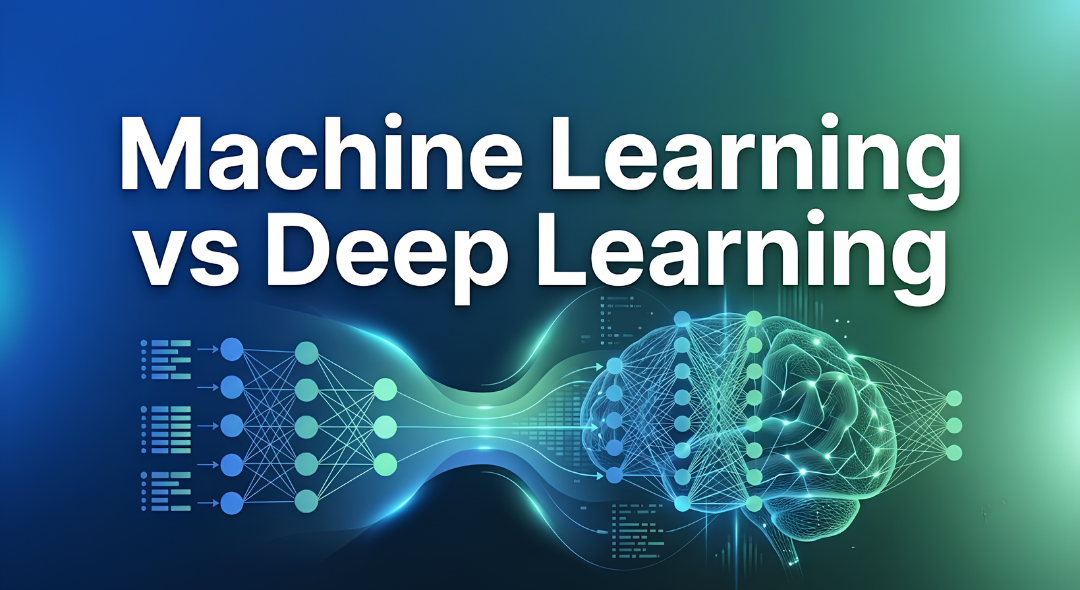
Have you ever wondered why your phone can instantly unlock by looking at your face while a traditional computer program still struggles …