Beginner-Friendly · Classroom Training
From Zero to a Live Website That's the Whole Course.
No tech background needed. No “being creative” required. Just someone to show you, step by step, how a website actually gets built and then make you build one yourself.
Completion
CompCraft Certificate
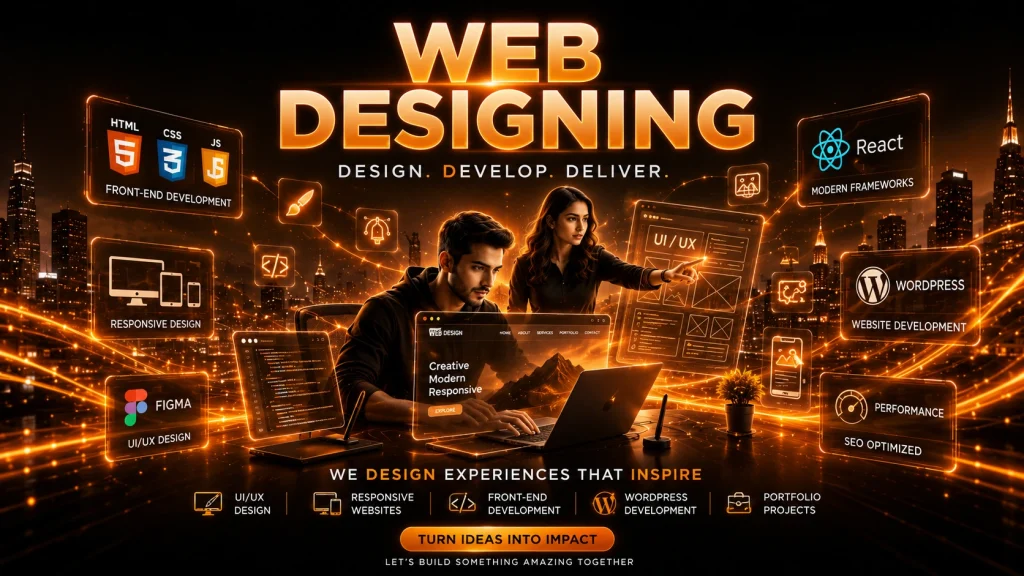
This web designing course covers everything from HTML and CSS to Bootstrap and jQuery, with a full JavaScript module built in. Whether you found us searching for a web development course, a website designing course, or just typed “web designing” into Google this is built for complete beginners who want a real, usable skill by the end of it.
Choosing between web designing and jumping straight into a full stack web development course? We break that down for you below too.
Recognised as a top Mumbai web designing institute for practical classroom-based training.
Web designing course with placement support helping students apply real-world skills.
Trusted web design institute near Charni Road station serving students across South Mumbai.
Job-oriented web designing course including resume building, projects, and interview preparation.
Affordable web designing classes in Mumbai without reducing instructor attention or learning.
Advanced web design track and complete full stack developer course available for career growth.
Why CompCraft
One of the best web designing institutes in Mumbai Microsoft Office 365 Pro
Hands-on, classroom-based and genuinely job-oriented — built around teaching you a skill you can actually use, right here in Charni Road.
South Mumbai
Your Path
8 milestones to a finished website
Each step builds on the last — and the journey ends with a real, live capstone project.
01
Design Thinking
02
HTML Basics
03
HTML5 Power
04
CSS Styling
05
Bootstrap
06
JavaScript & jQuery
07
Test & Refine
08
Capstone Launch
The Full Curriculum
Module by module, nothing skipped
Every module is taught hands-on: concept first, then you build it yourself.
01
Module 1: Think Like a Designer, Not Just a Coder
Before any code, you learn how to think about layout and users the foundation every solid web page design course should start with.
- What web designing actually is, and how it differs from web development
- Why some websites just feel easier to use than others
- A simple intro to the design process: understand the user → plan → build → improve
User-Centered Thinking
02
Module 2: Speak the Web's First Language
Where every HTML web development course really begins your first real lines of code, turned into an actual page.
- Core HTML tags paragraphs, headings, line breaks, bold, italic
- Ordered and unordered lists for content organisation
- Your first complete web page, built from scratch
HTML Syntax
03
Module 3: Level Up — HTML5 In Action
Plain HTML gets you a page. HTML5 gets you a functional one a core part of any solid web page development course.
- Linking pages internally, externally, by email, and to files
- Embedding and controlling audio and video
- Building tables and using iFrames
- Working forms text fields, radio buttons, checkboxes, buttons
- File structure and meta tags for SEO
HTML5
04
Module 4: Make It Beautiful
The module where your pages stop looking like a Word document.
- ID, class, and element selectors
- Inline, internal, and external stylesheets
- The Box Model margin, border, padding, content
- Styling fonts, colours, backgrounds, links
CSS3
05
Module 5: Build Fast, Build Responsive
Real responsive web design training, South Mumbai style practical, not theoretical.
- Setting up Bootstrap and building a responsive navigation bar
- Styling images, footers, and buttons
- Embedding Google Maps and image carousels
- A fully styled, functional contact form
Bootstrap
06
Module 6: Bring It To Life With JavaScript
Everything you’d expect from a dedicated JavaScript course minus the overwhelm. You learn JavaScript through jQuery first, the easiest entry point.
- Adding jQuery, working with selectors and filters
- Replacing content dynamically, handling user events
- Hover effects, hide/show interactions
- Fading, sliding, toggle, and animate effects
jQuery
07
Module 7: Test It Like A Real User Would
Designing isn’t done until real people can use it without getting lost.
- Sketching layouts before coding them
- Planning a simple sitemap for clear navigation
- Testing pages on real users and fixing what confuses them
- Making layouts hold up across devices
Wireframing
08
Module 8: Your Launchpad
Everything comes together into one real, live website you can show employers.
- Planning, wireframing, building, and testing one full website from scratch
- Combining HTML5, CSS, Bootstrap, and jQuery into a live project
- Resume building and interview prep for web designing roles
User-Centered Thinking
Where It Takes You
Careers this course opens up
Web designing opens more doors than most people expect. Here’s where students have gone.
Web Designer
Designing and building websites for businesses, agencies, or clients.
Front-End Developer
Writing the HTML, CSS, and JS that makes websites work in the browser.
UI Designer
Focusing on how interfaces look and feel across web and app products.
Web Graphic Designer
Combining visual design skills with the ability to build what you design.
Freelance Web Designer
Taking on client projects independently many start before the course ends.
WordPress Developer
Building and customising sites on the world's most used CMS (optional add-on).
Ready to become digitally literate?
Drop us a line, give us a call, or walk into our Charni Road centre. We will help you choose the right batch and start within the week.